
Not sure where to start? Here’s the short answer.
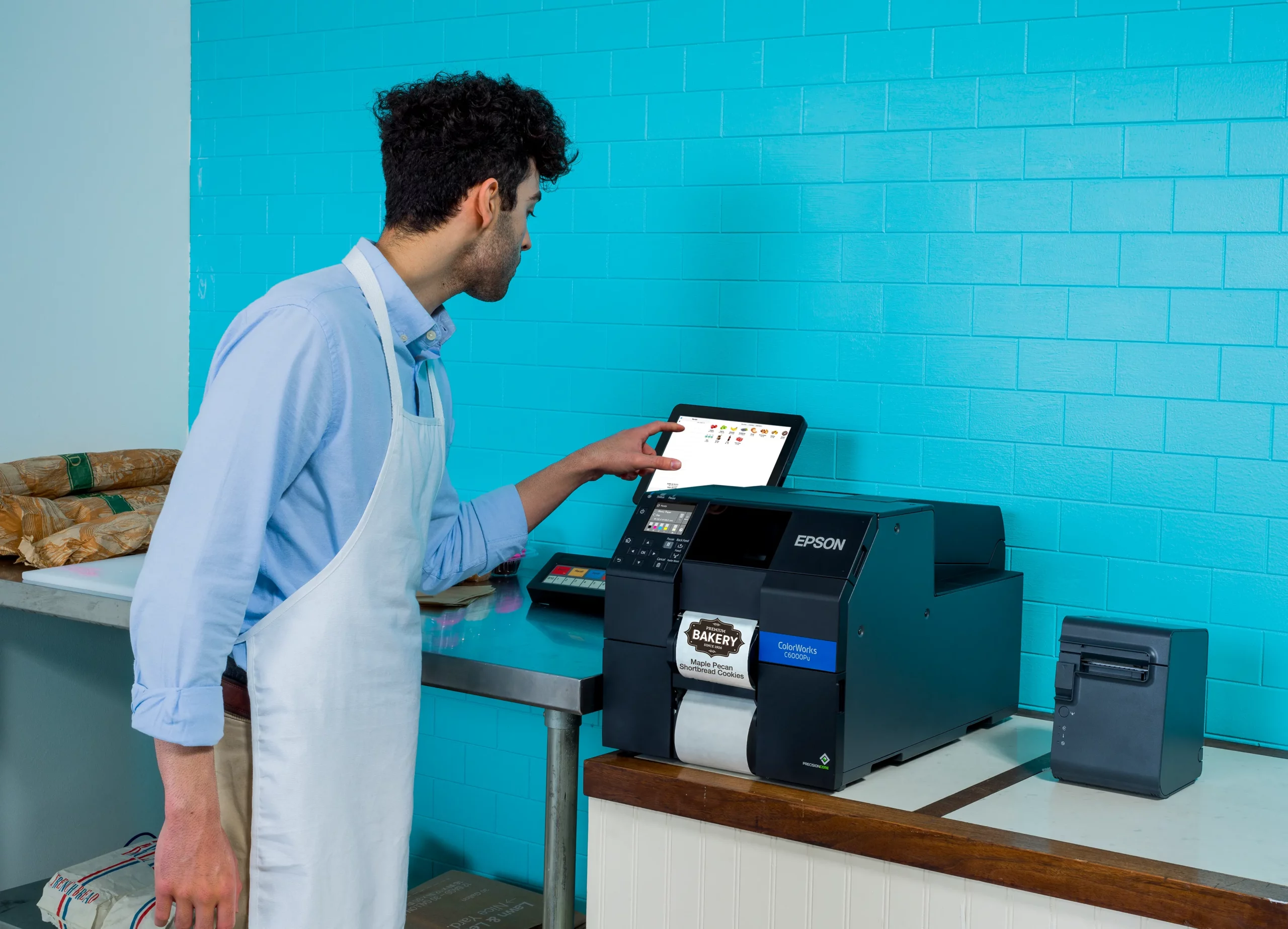
Most of our customers land on one of these five ColorWorks models, depending on how much they print and how wide their labels are.

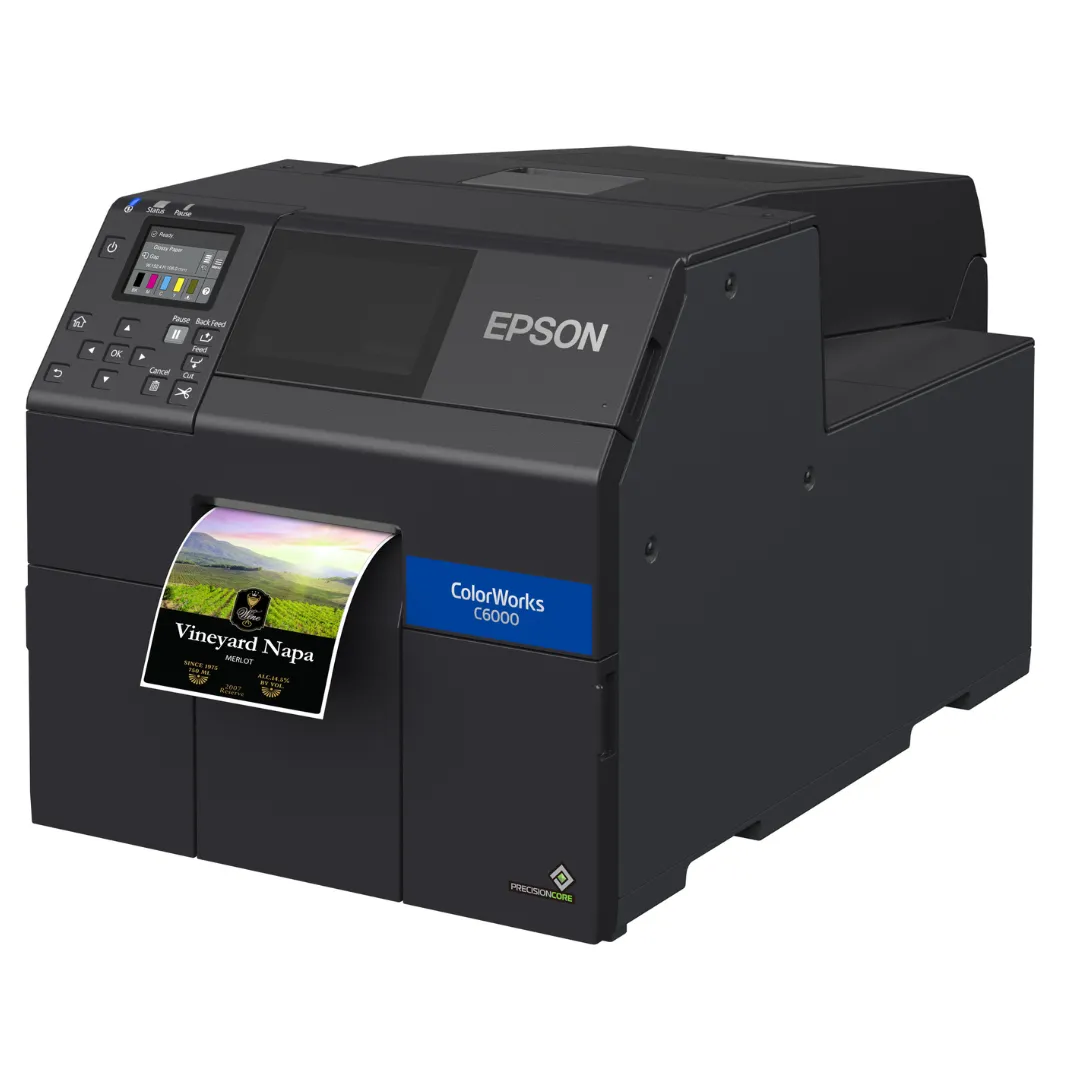
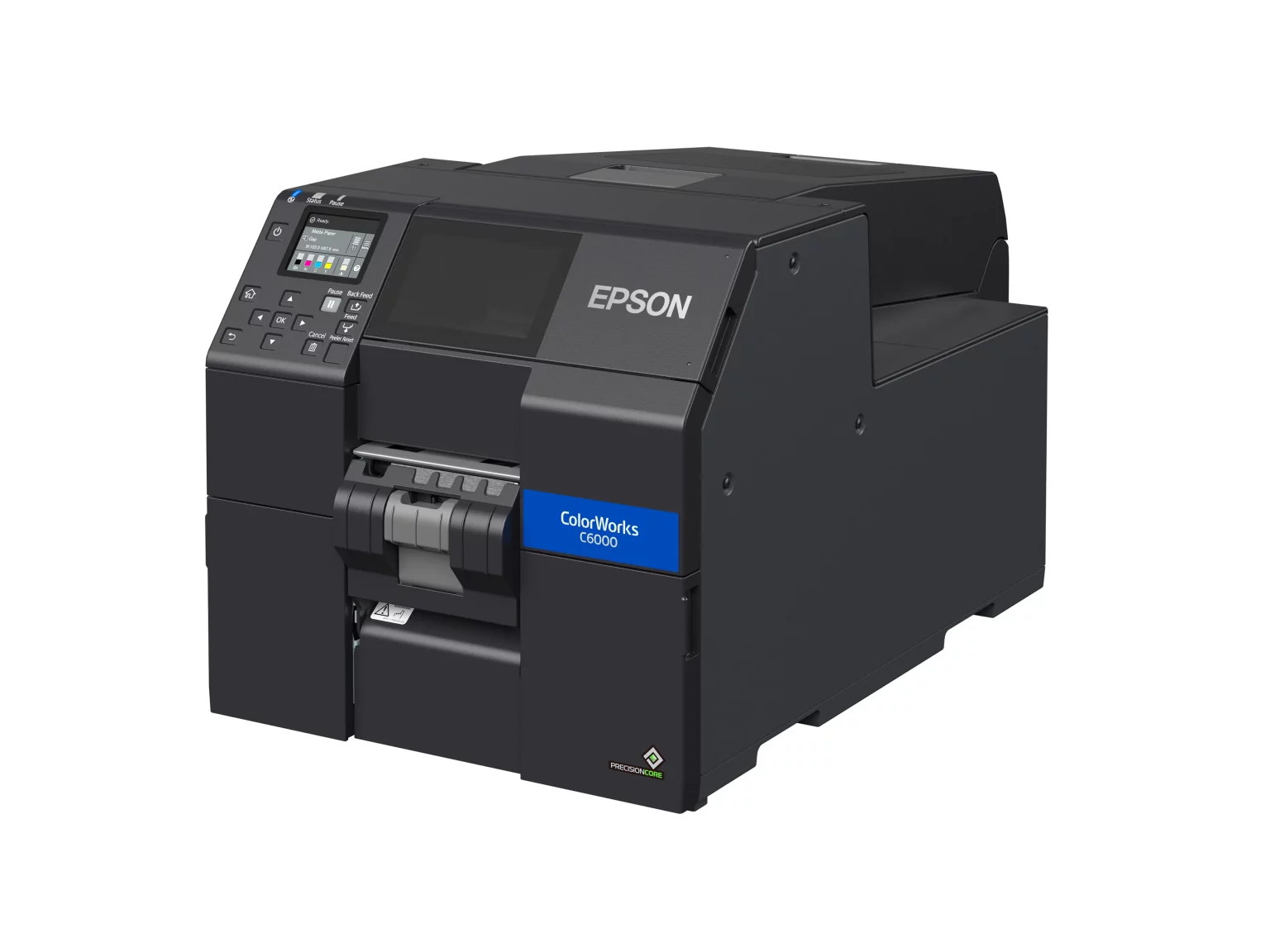
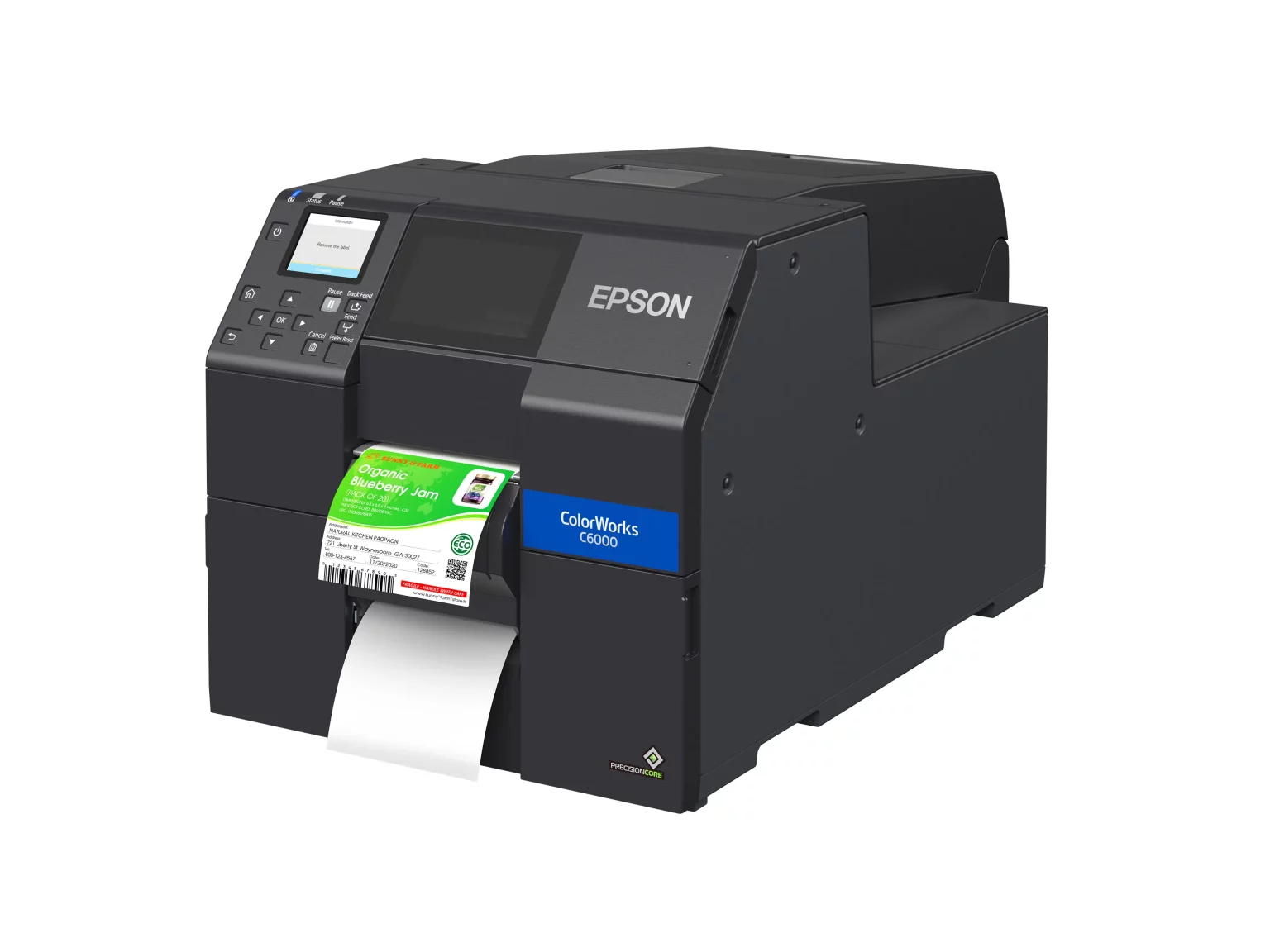
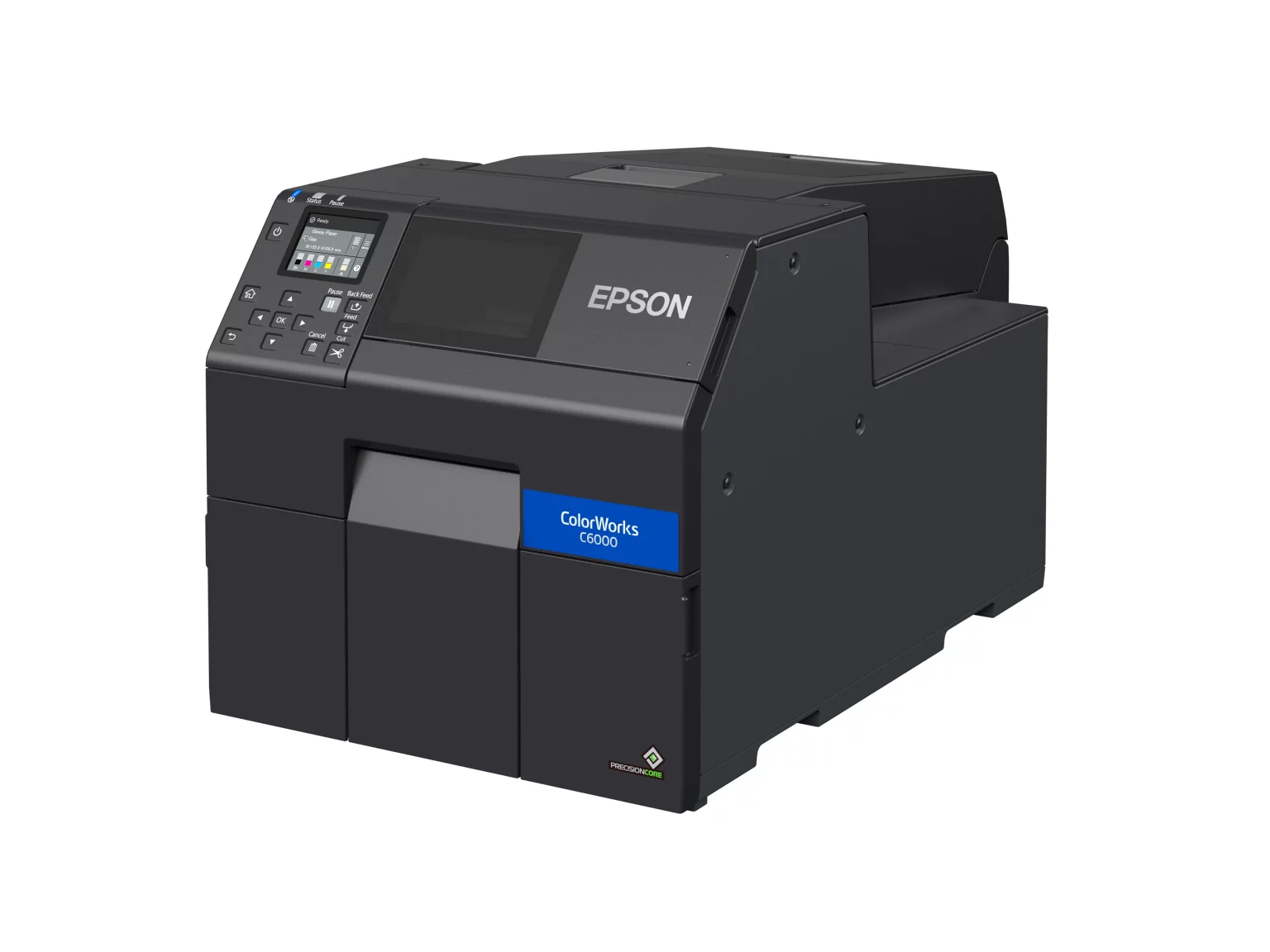
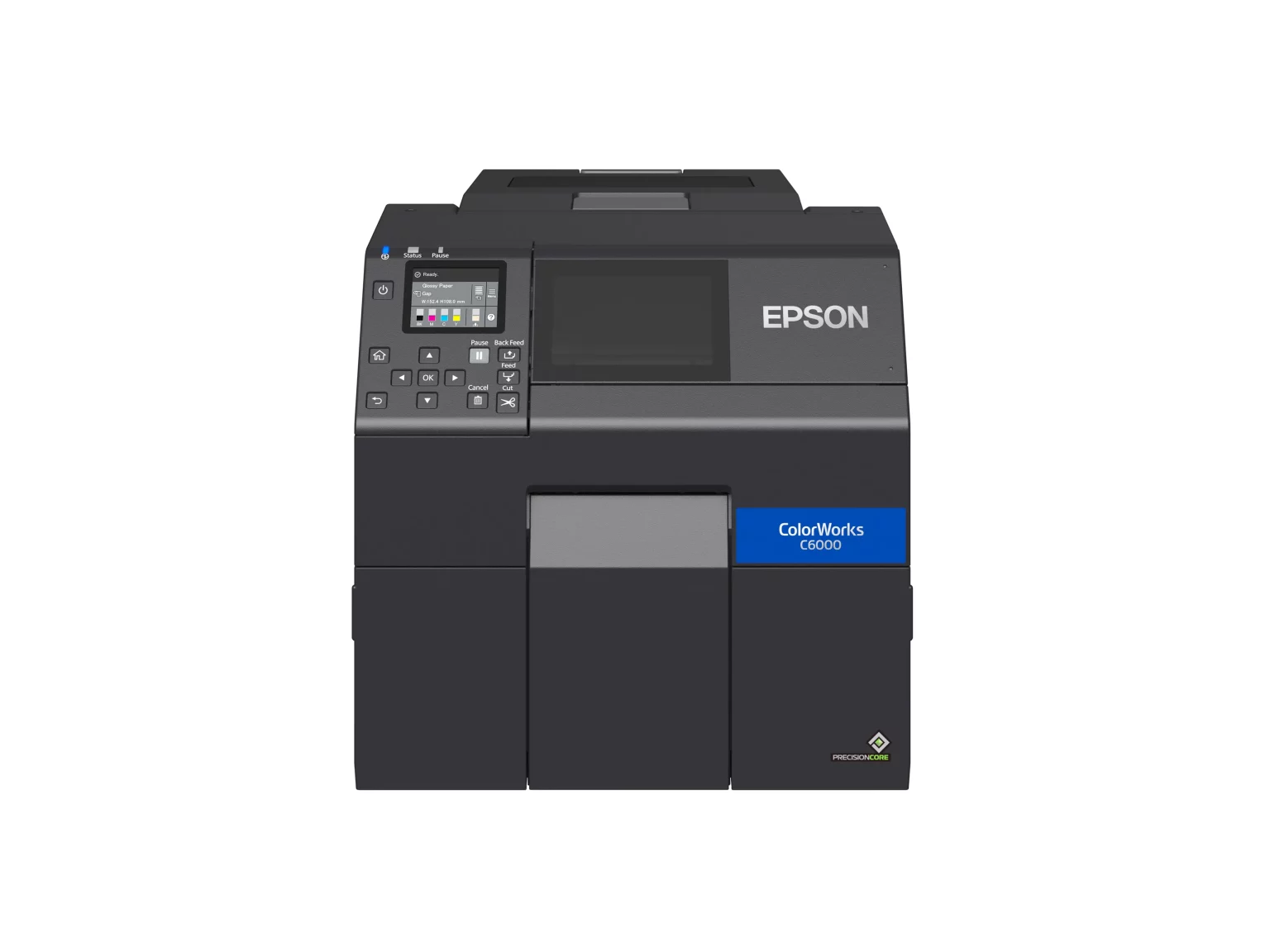
CW-C6000A / C6000P
mid to high volume, standard 4″ labels

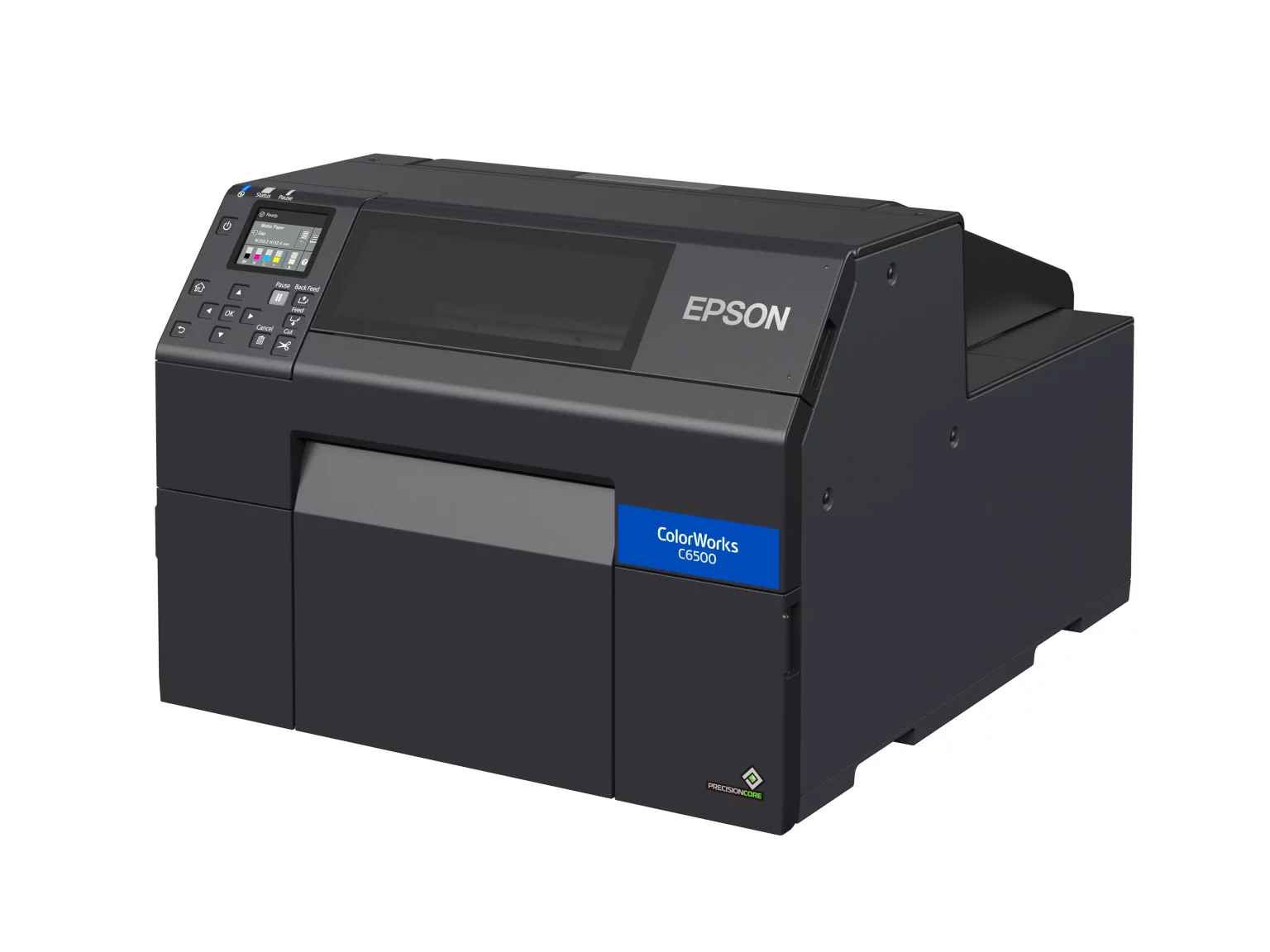
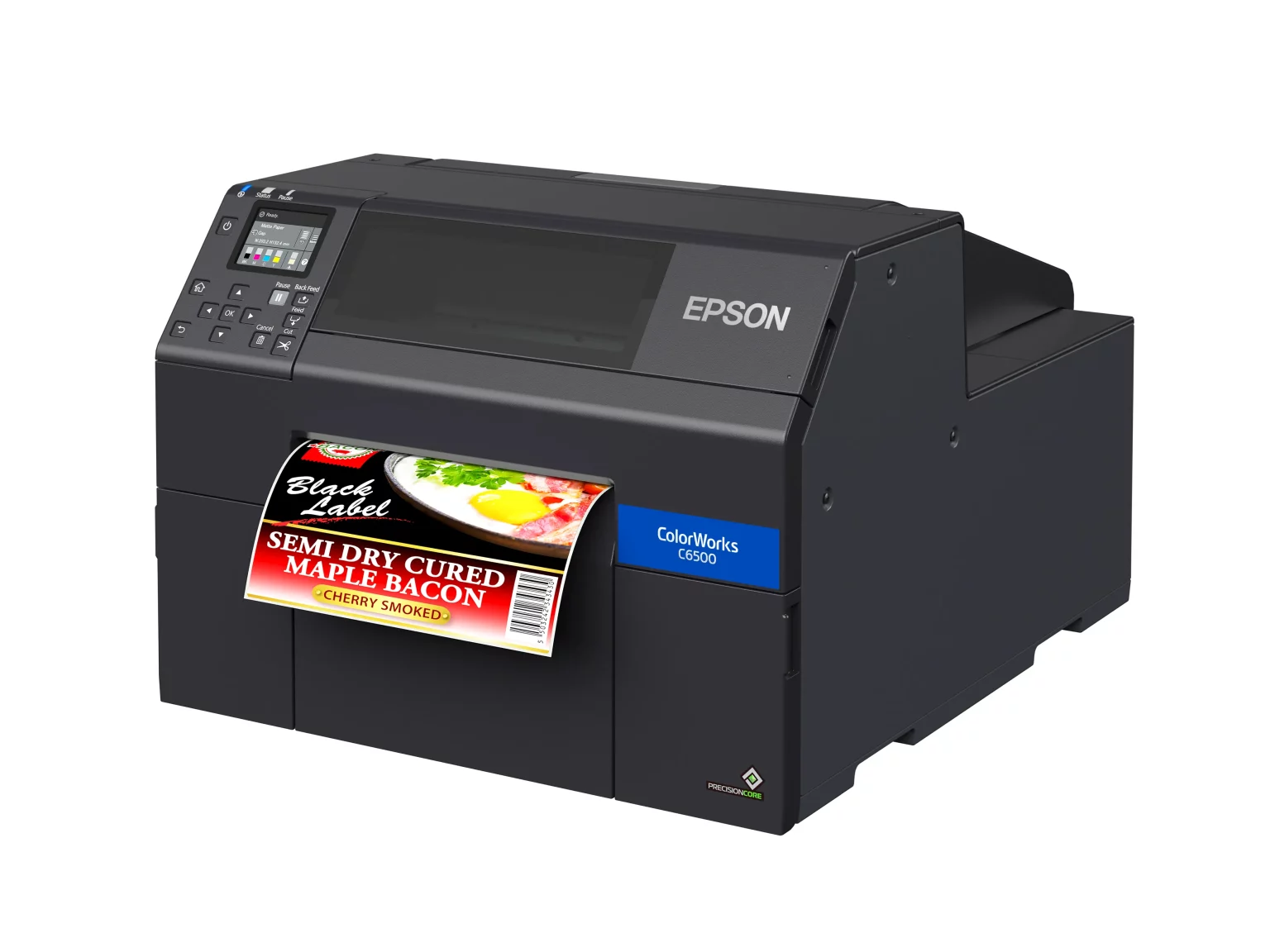
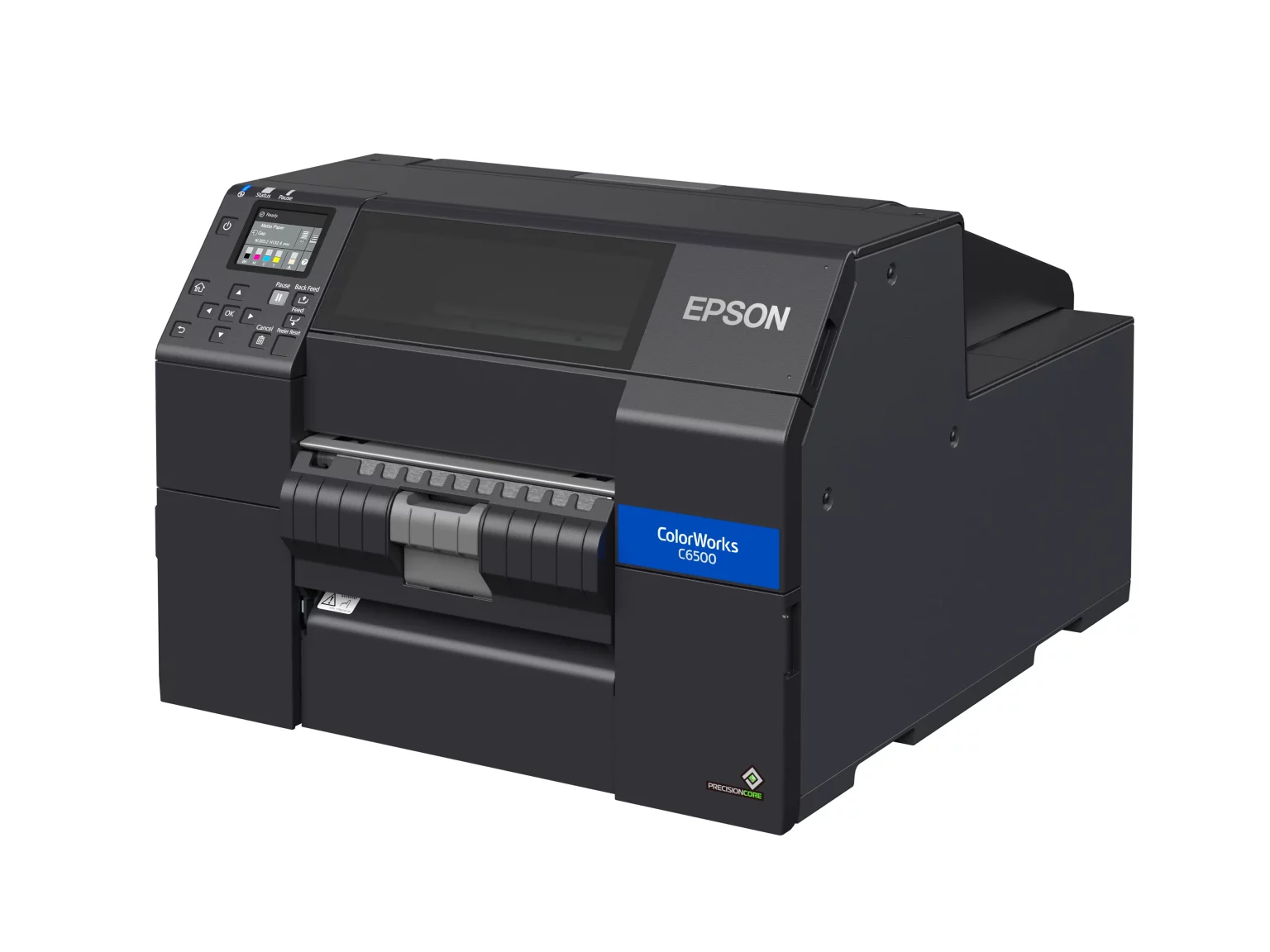
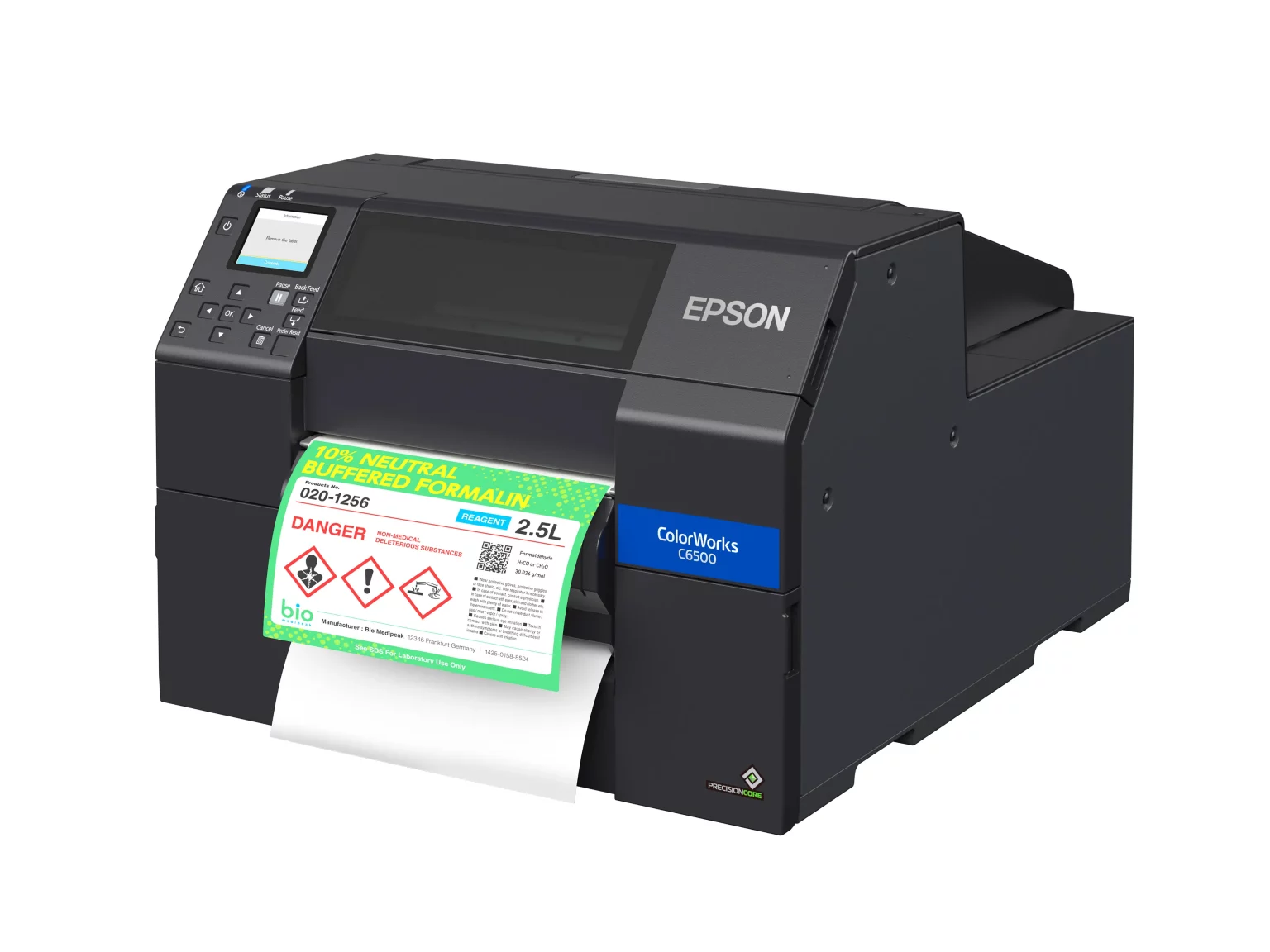
CW-C6500A / C6500P
wide format, up to 8.34″

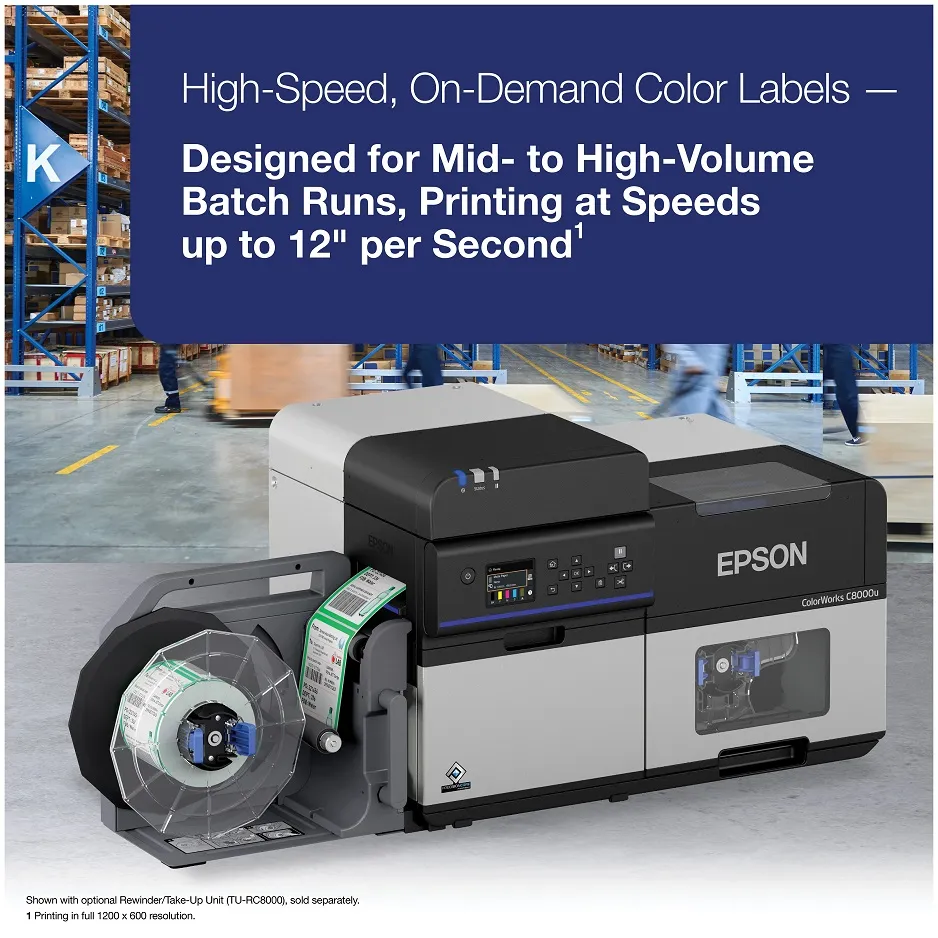
CW-C8000
high-speed batch production

CW-D3800
lower-cost dye-ink option for lighter use

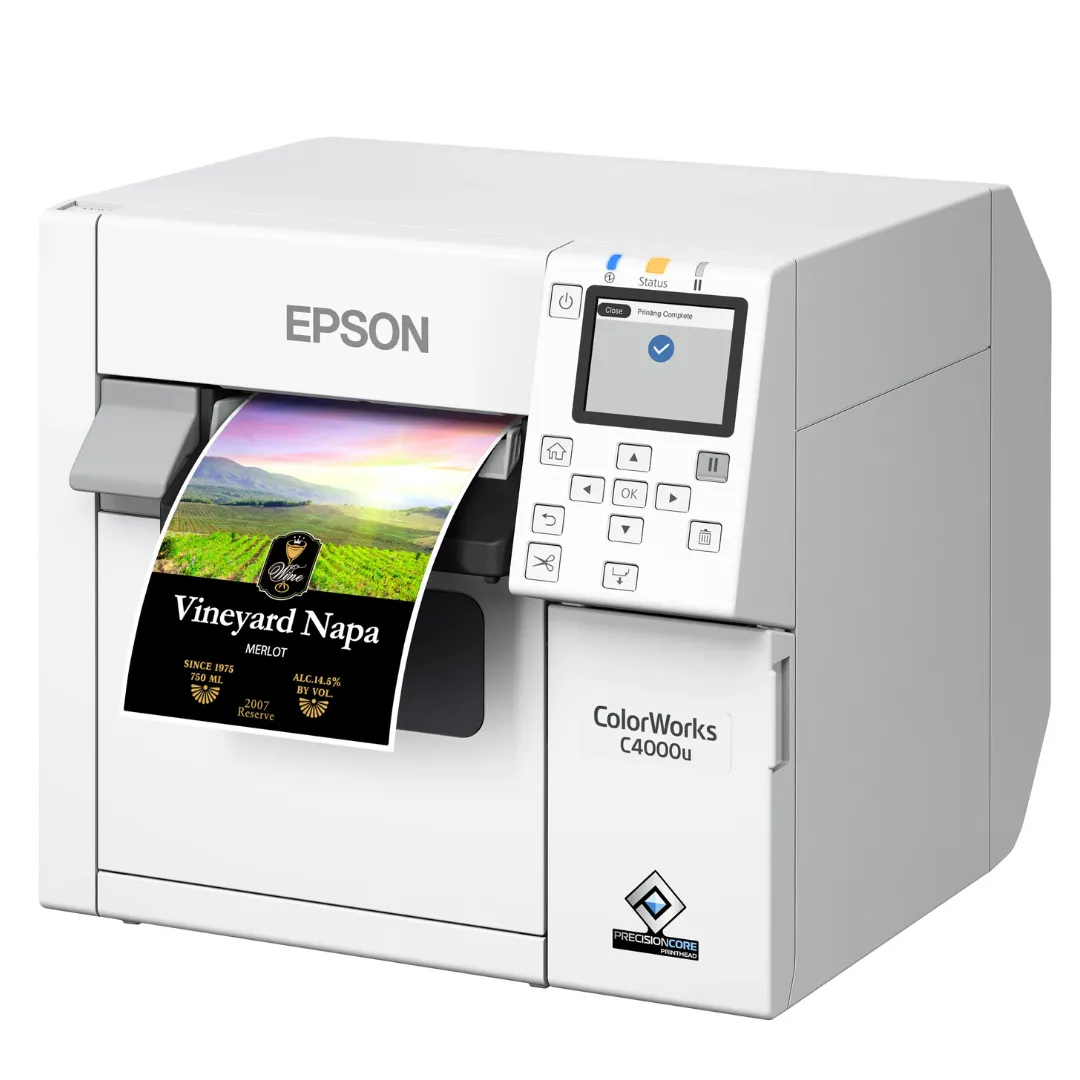
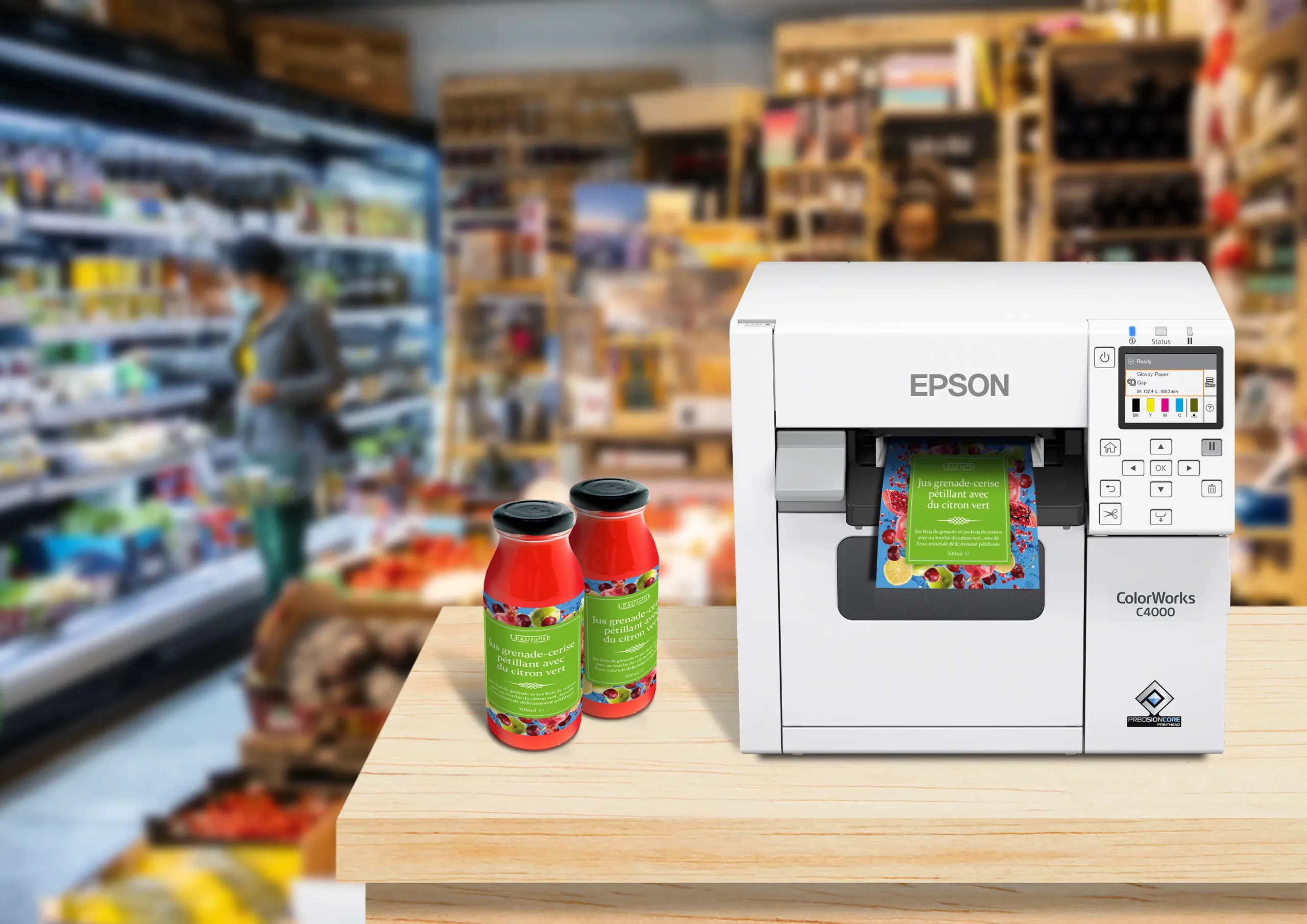
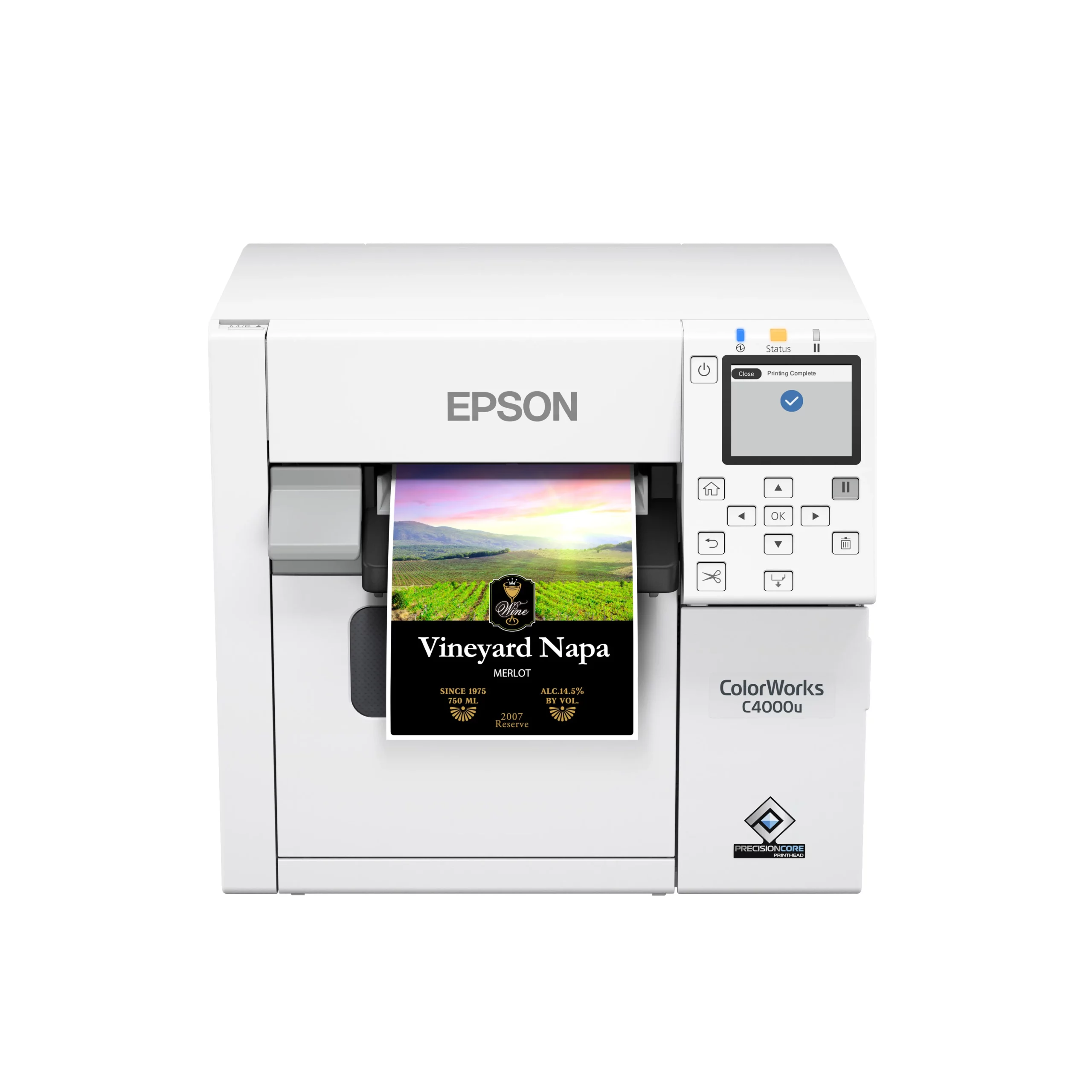
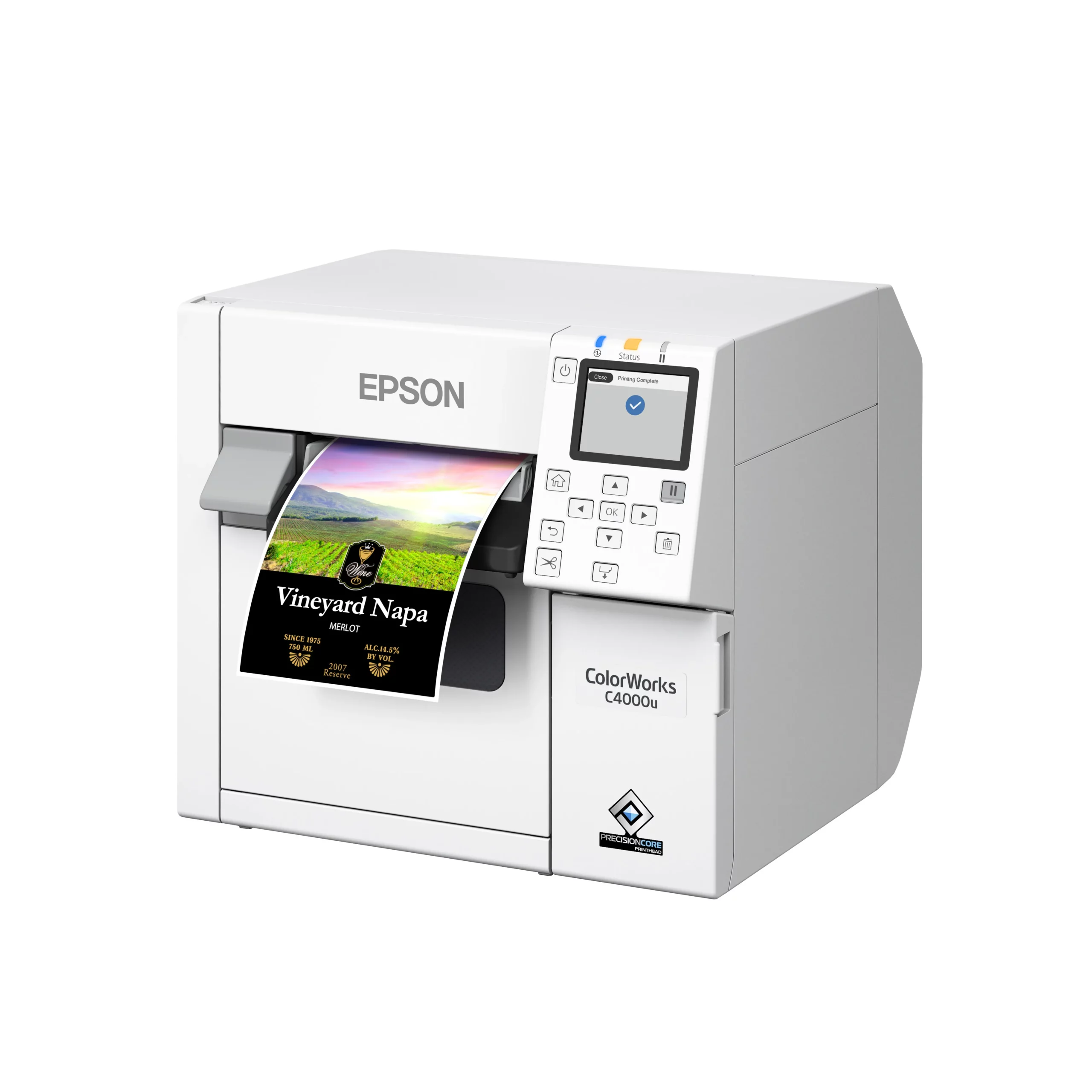
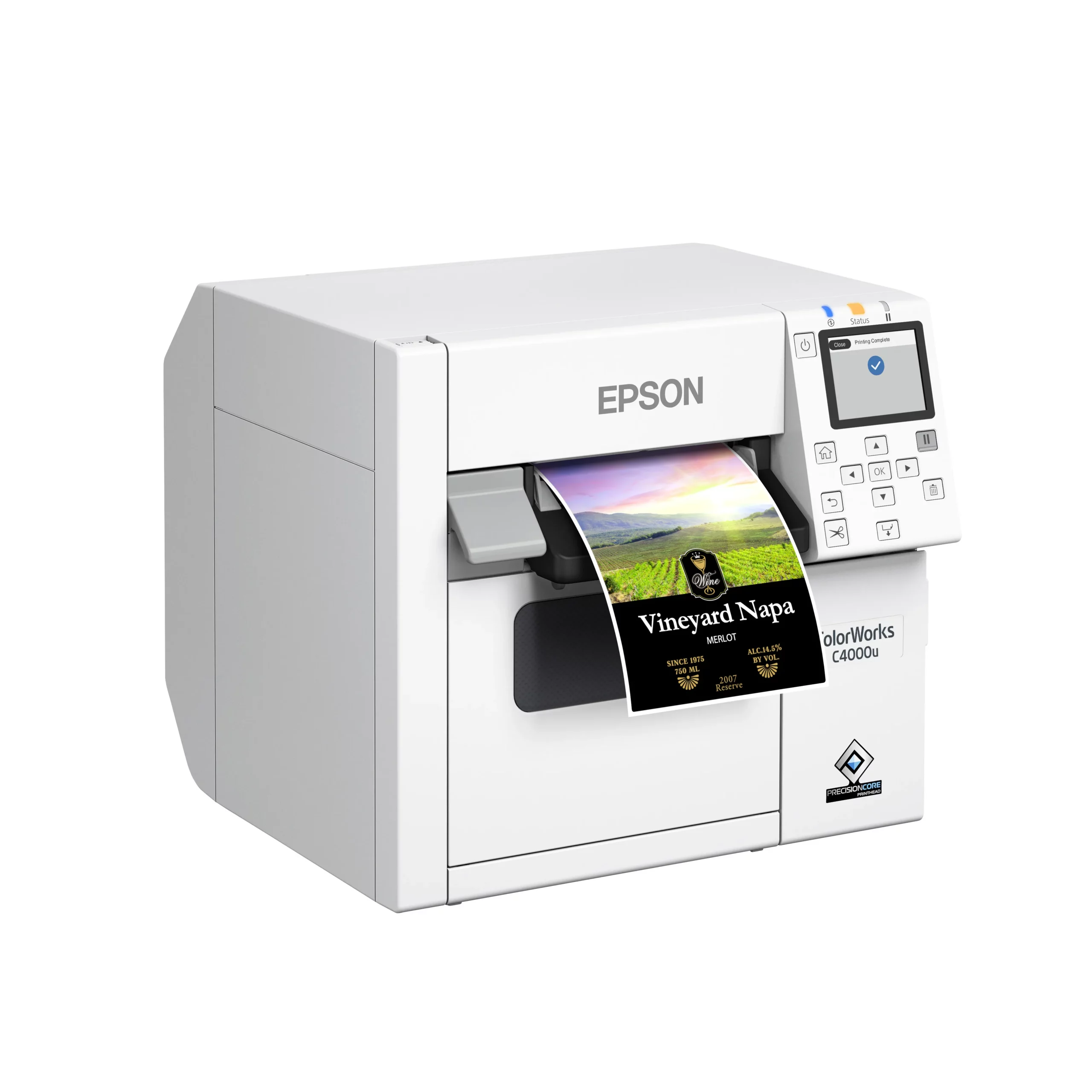
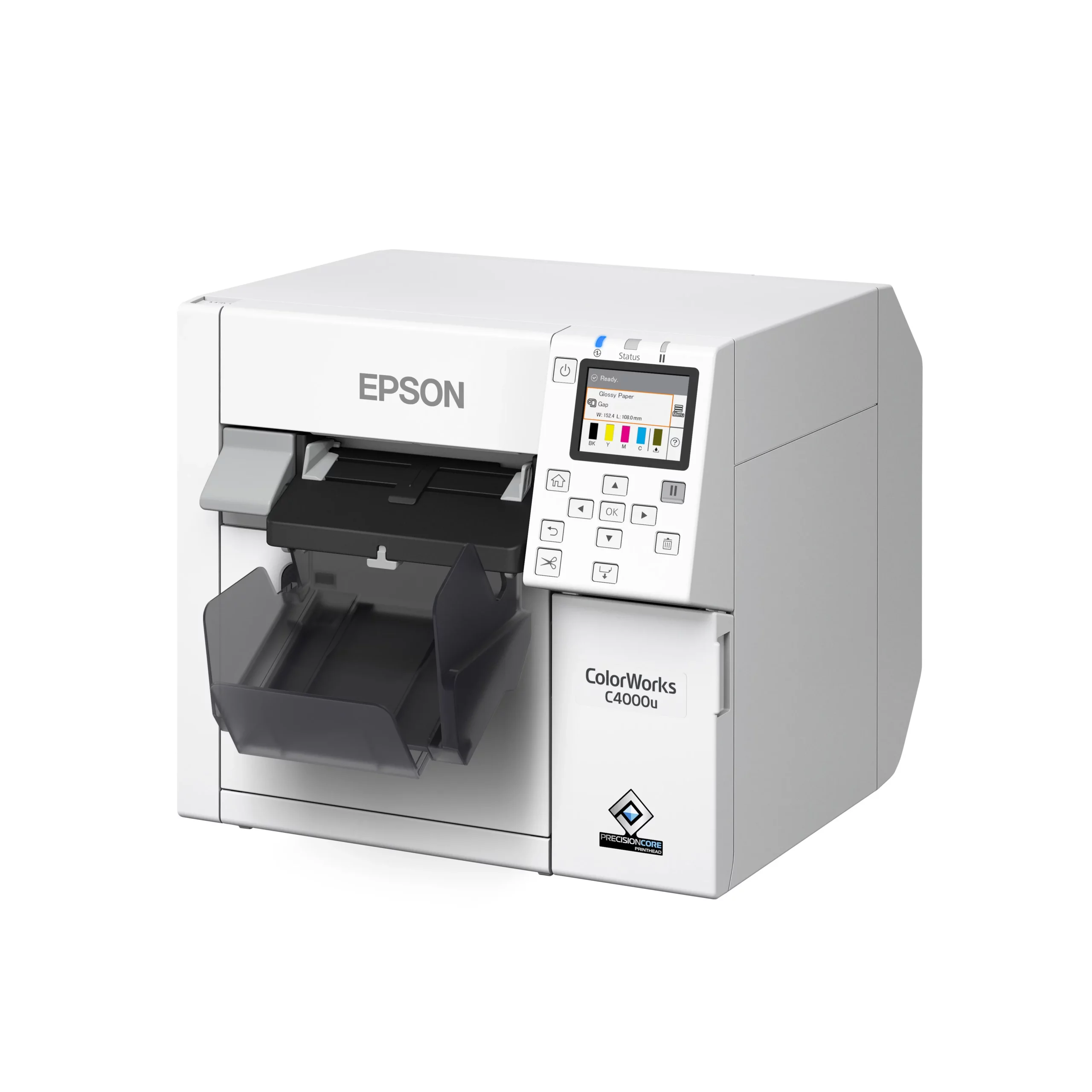
CW-C4000
low to mid volume, compact footprint
High-quality color labels, built for speed, durability, and seamless integration
Epson ColorWorks printers combine PrecisionCore Heat Free technology, BS5609 capable pigment inks, and easy integration with ZPL II, SAP, Windows, Mac, and Linux. Pacific Barcode stocks every Epson model, supports install and setup, and provides inks, media, accessories and roll to roll systems so you can print the right label the first time. Whether you’re comparing Epson ColorWorks models for the first time or replacing an aging printer, we’ll help you find the best fit for your labels.
Schedule a Live Demo
Epson ColorWorks: On-Demand Color Built for Real Production
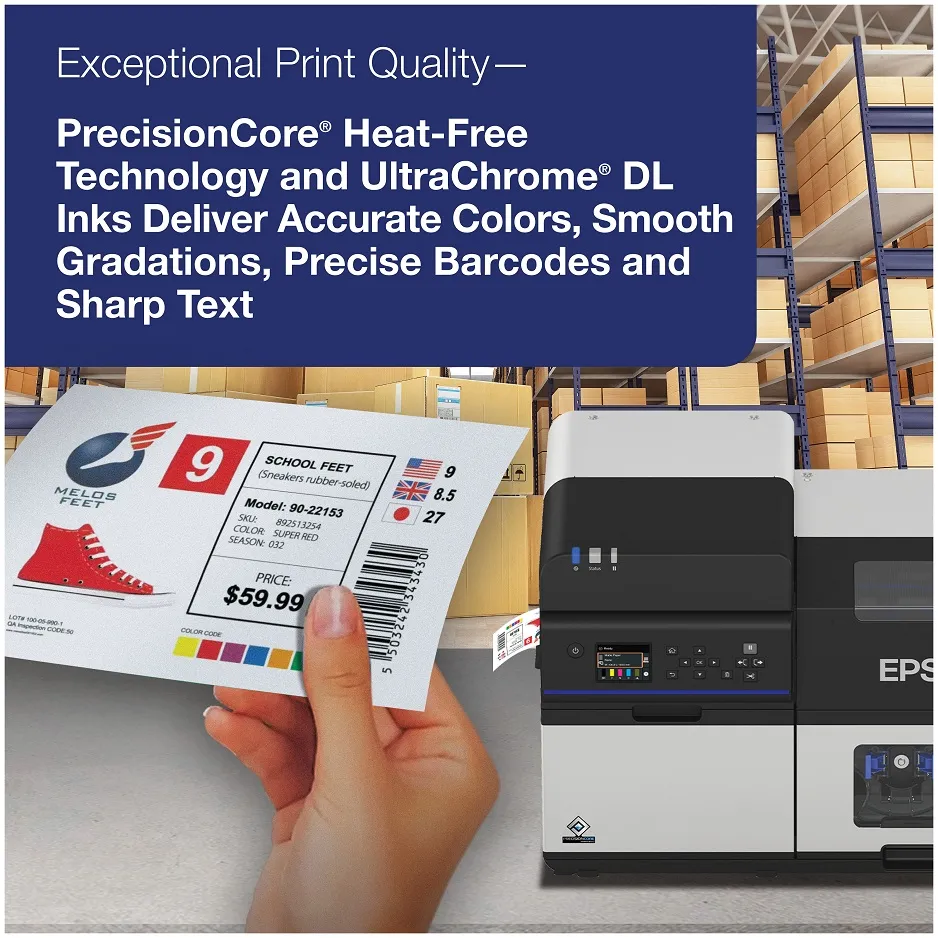
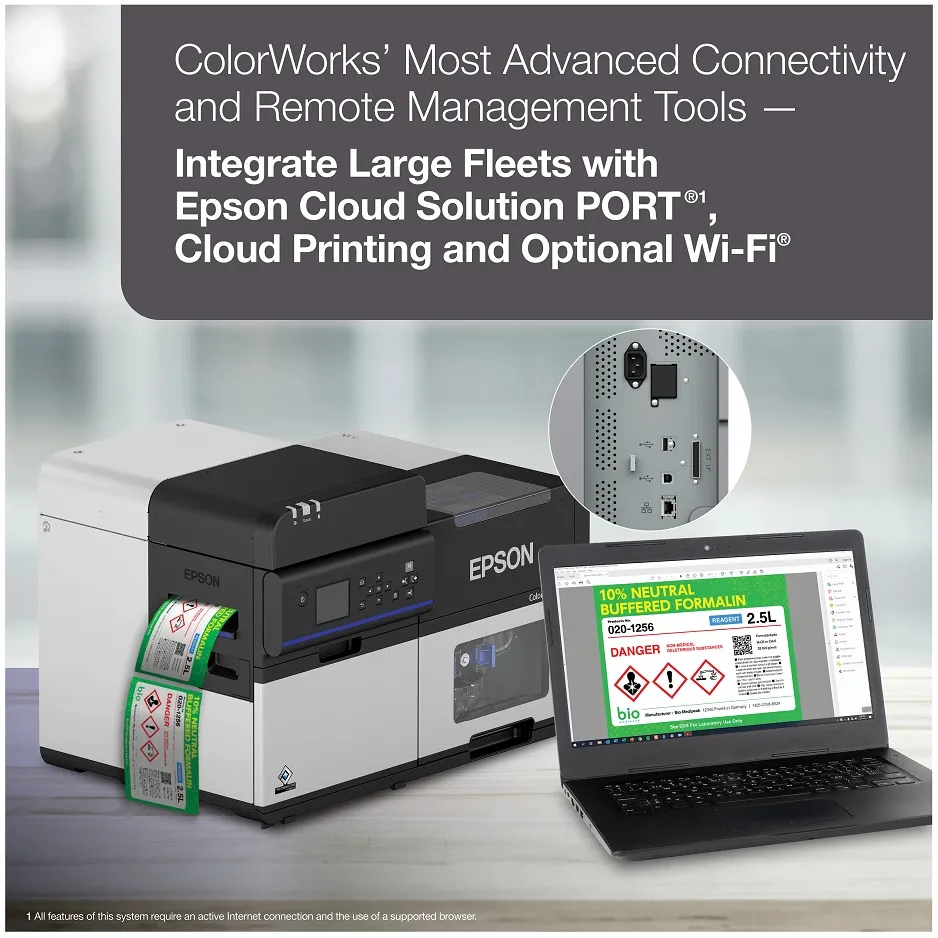
Epson ColorWorks delivers on-demand color built for production, not just desktop prints. PrecisionCore Heat-Free technology prints sharp text, crisp barcodes, and rich color without warm-up lag, while ZPL II, SAP support, and remote fleet management let every model slot into existing systems. Print what you need, when you need it, no preprinted rolls, no waste, no delays when SKUs or regulations change.
Choosing the right Epson ColorWorks printer comes down to matching ink, width, and workflow to the job: gloss or matte pigment ink for the look and durability you need, BS5609-capable options for GHS compliance, and models from compact 4-inch units to wide-format, peel-and-present options. The result: faster changeovers, fewer errors, and labels that scan right the first time.

Epson ColorWorks Product Comparison
| FEATURE |  CW-D3800 CW-D3800 |
 CW-C4000 CW-C4000 |
 CW-C6000A/P CW-C6000A/P |
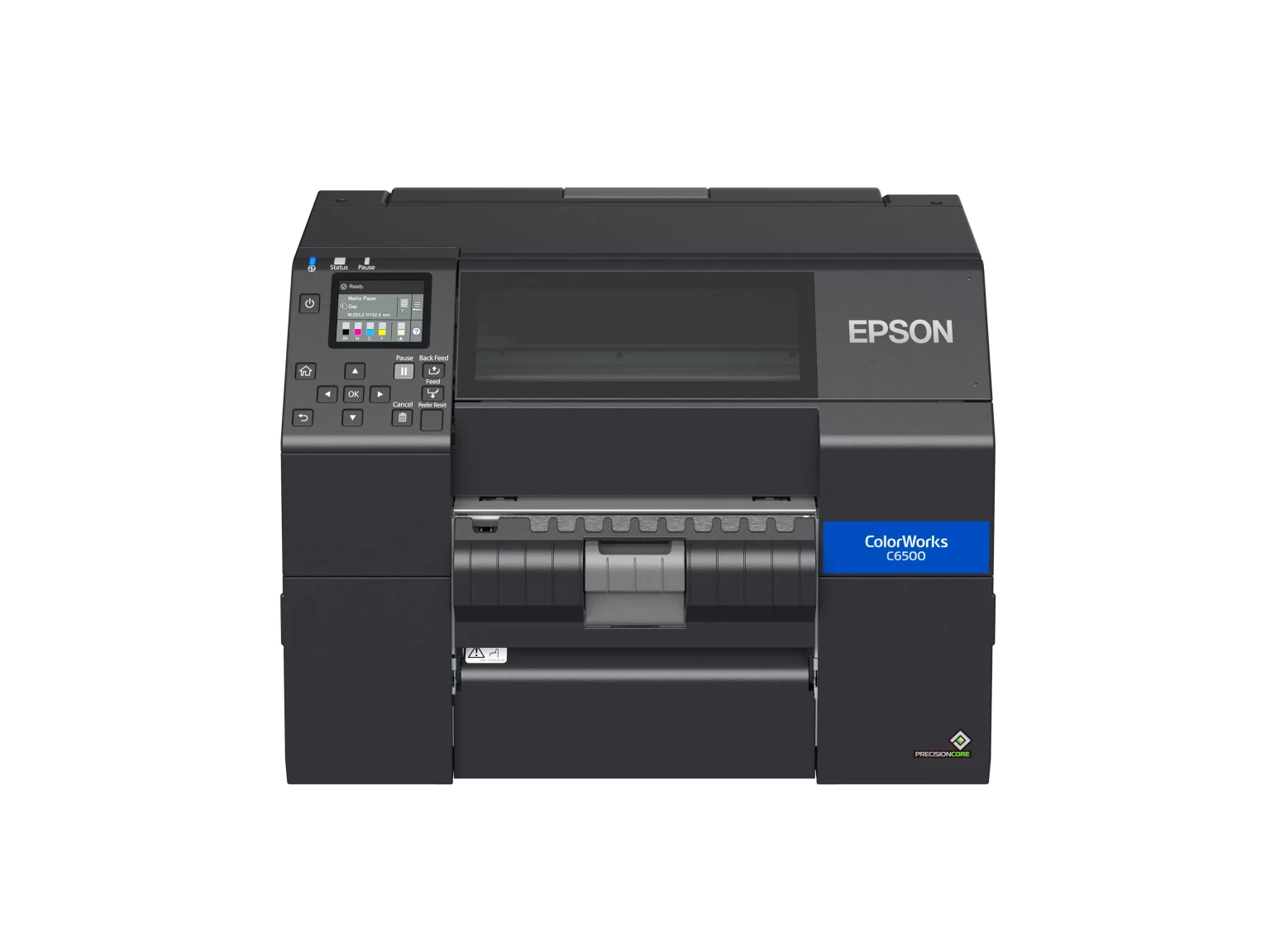
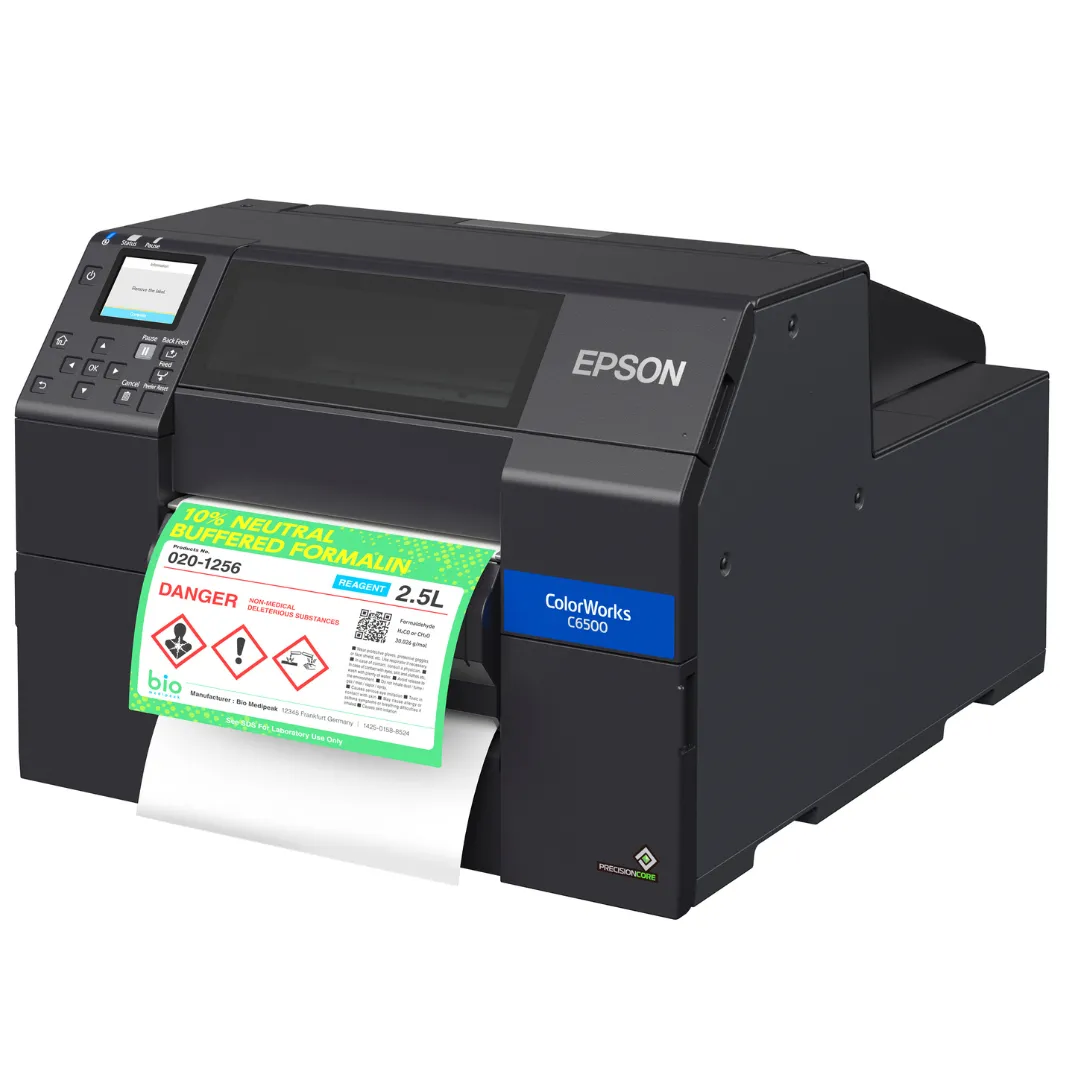 CW-C6500A/P CW-C6500A/P |
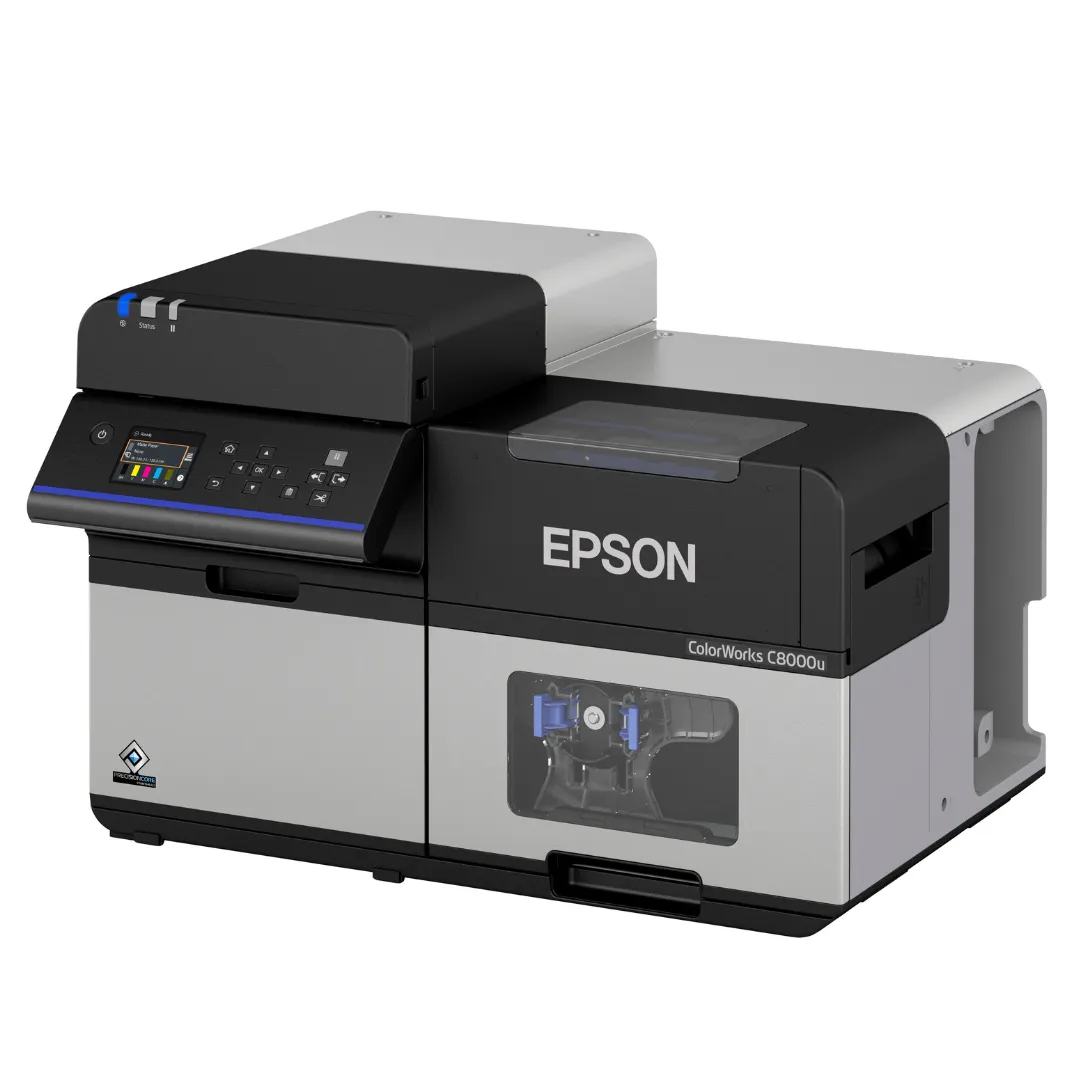 CW-C8000 CW-C8000 |
|---|---|---|---|---|---|
| Print Volume | Low Volume | Low- to Mid- Volume | Mid- to High- Volume | Mid- to High- Volume Wide Format | Mid- to High- Volume Batch Printing |
| Media Handling | Auto Cutter | Auto Cutter | Auto Cutter or Peeler | Auto Cutter or Peeler | Auto Cutter |
| Max. Print Width | 4.25″ (108 mm) | 4.25″ (108 mm) | 4.25″ (108 mm) | 8.34″ (212 mm) | 4.25″ (108 mm) |
| Max. Print Speed (inches/sec) | 3.94 | 4.0 | 5.0 | 5.0 | 11.8 |
| Printer Language | ESC/Label and ZPL II | ESC/Label and ZPL II | ESC/Label and ZPL II | ESC/Label and ZPL II | ESC/Label and ZPL II |
| Operating Systems & Middleware | Windows, Mac, SAP | Windows, Mac, Linux, major middleware, SAP | Windows, Mac, Linux, major middleware, SAP | Windows, Mac, Linux, major middleware, SAP | Windows, Mac, Linux, major middleware, SAP |
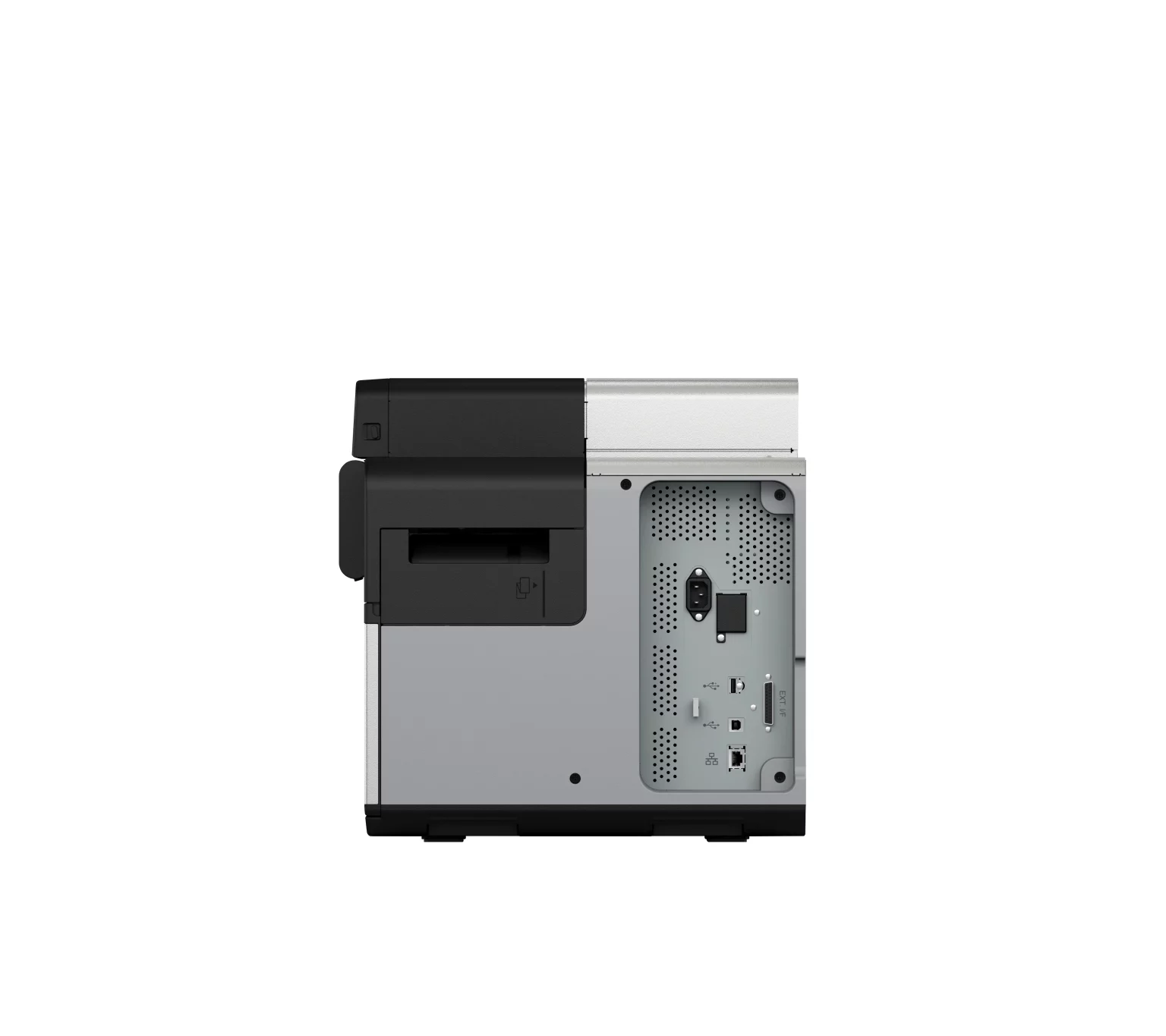
| Connectivity | Ethernet, USB 2.0, optional Wi-Fi | Ethernet, USB 2.0, optional Wi-Fi | Ethernet and USB 2.0 | Ethernet and USB 2.0 | Ethernet, USB 3.0 and 2.0, optional Wi-Fi |
| Cloud Printing | Not Available | Available | Available | Available | Available |
| Standard Limited Warranty | 1-year | 1-year | 1-year | 1-year | 1-year |
| Extended Service Plan Options | Extended plans available, up to 5 years total coverage | Return for Repair, Spare-in-the-Air (SITA) | Return for Repair, Spare-in-the-Air (SITA), On-Site Repair | Return for Repair, Spare-in-the-Air (SITA), On-Site Repair | Return for Repair, Spare-in-the-Air (SITA) |
Gloss vs Matte: How to Choose
Choosing the right Epson ColorWorks printer also means choosing the right ink. Epson ColorWorks printers can be configured with gloss or matte pigment ink. The right choice comes down to your media and environment: glossy stocks and brand visuals typically favor gloss; matte or uncoated stocks and scan-first workflows often perform best with matte. Tell us your use case and we’ll recommend the best setup. For technical details, see the printer’s user guide.
Gloss Ink
-
Benefits
-
Works on a wider range of substrates, especially coated/gloss stocks
-
Rich, high-contrast graphics and photos for premium shelf appeal
-
Sharp small text and barcodes on glossy media
-
BS5609-capable durability with approved synthetics
-
-
Best Media
-
Gloss/semi-gloss paper, gloss PP/PET films
-
-
Applications / Uses
-
Retail product labels, cosmetics, beverages, nutraceuticals
-
Branding and marketing labels with imagery
-
Premium SKUs and customer-facing packaging
-

Matte Ink
-
Benefits
-
Darker, sharper blacks on matte/uncoated media
-
Low glare for operators and scanners; excellent barcode readability
-
Strong performance in industrial and harsh environments
-
BS5609-capable durability with approved synthetics
-
-
Best Media
-
Matte paper, matte PP/PET, uncoated/tag stocks
-
-
Applications / Uses
-
GHS/industrial labels, warehouse/inventory/LPN
-
Healthcare and lab (readability over shine)
-
Work-in-process, compliance, and logistics labels
-

Not sure which way to go?
Tell us your use case and we’ll recommend the ideal ink and media combination.

Calculate Your True Ink Cost Per Label for Epson ColorWorks Printers
See your exact ink cost per label with Epson ColorWorks printers. Our experts use Epson’s advanced tool to calculate precise costs based on your label size, quality, and design. Submit the form below, a sales specialist will contact you quickly with your custom estimate.
Submit RequestWhy on-demand color label printing?

Less waste, lower costs
Print only what you need—no obsolete preprinted rolls, fewer reprints.
Faster changeovers
Swap SKUs, languages, or promos in minutes; launch and relabel same day.
Stronger shelf presence
Vivid color, sharp barcodes, and brand elements that stand out and scan first time.
Operational agility
Run small batches, variable data, and compliance updates without waiting on vendors.
Supply chain control
In-house printing means predictable lead times, stable inventory, and fewer delays.
Why Epson with Pacific Barcode?
We are an Epson Certified Reseller. That means every printer, ink, and part you buy from us is 100% genuine Epson, shipped new from the factory and fully backed by Epson’s warranty and support. No gray market stock. No compatibility surprises. Just authentic products that perform as designed.
Get My Free QuoteFree Shipping
Free ground shipping on continental U.S. orders over $250. Clear thresholds, no hidden fees. Need it faster? Ask for upgraded options at checkout.
Secure Payments
Encrypted checkout with advanced fraud screening. Pay by credit/debit, PayPal, Google Pay, Apple Pay, or Net 30 (approved accounts).
Experience
Over 25 years in labeling and barcoding. We help you pick the right printer, media, and accessories the first time—so your labels look right and scan right.
All in One Place
One partner for everything: printers, inks, media, rewinders/roll-to-roll, software, setup, and support. Fewer vendors to manage, one accountable team to call.
ColorWorks Printers Videos
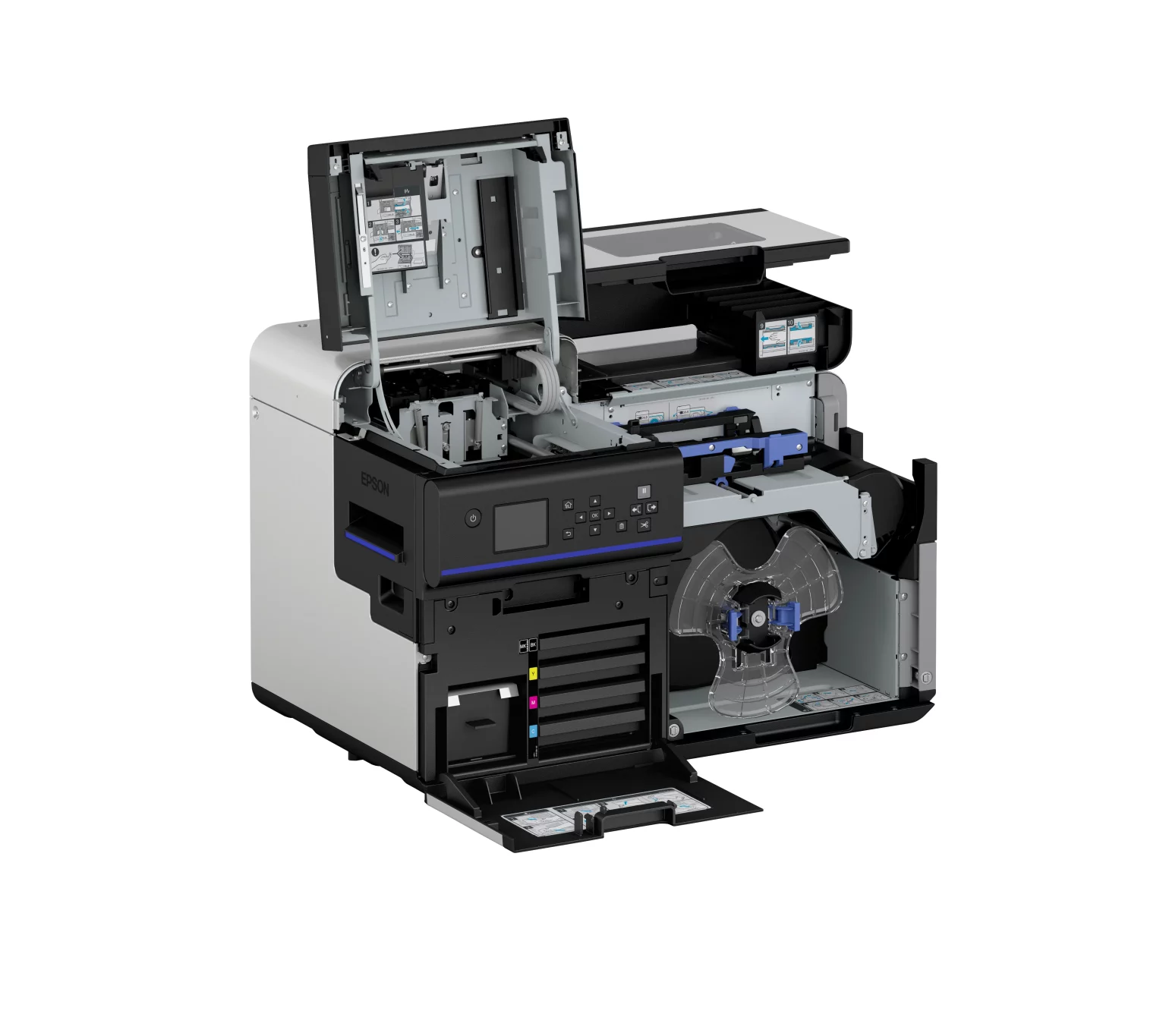
Product Picture Gallery
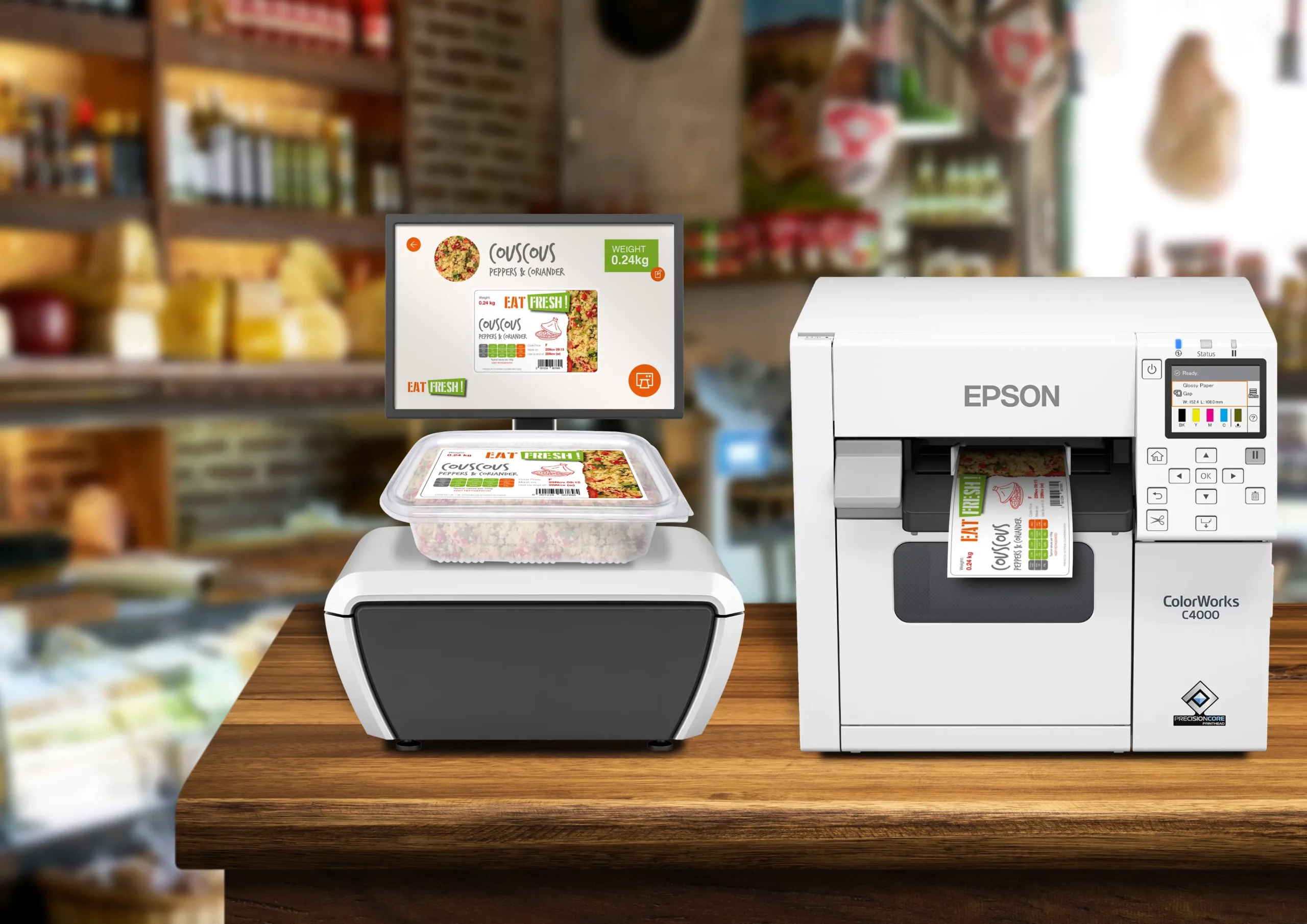
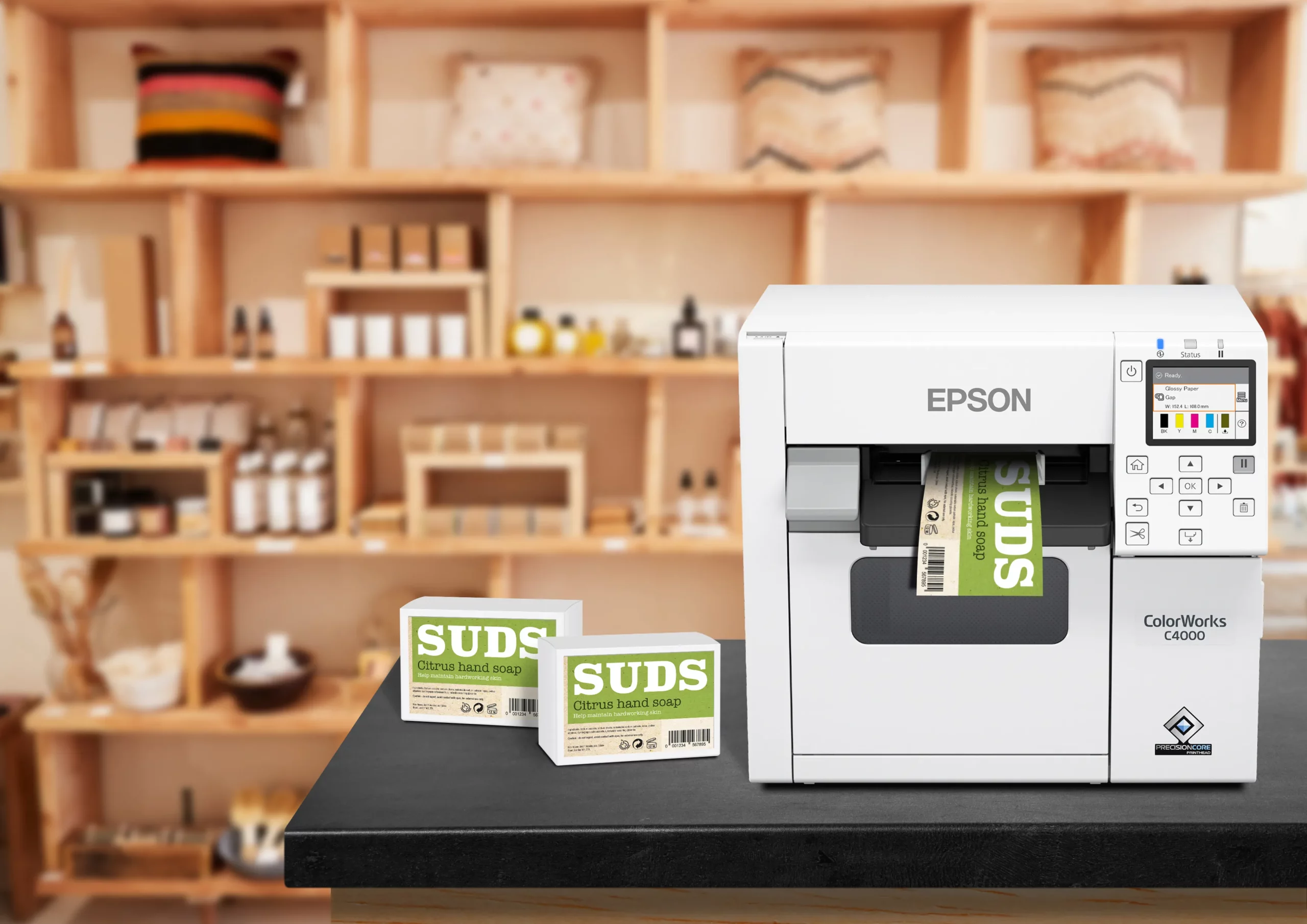
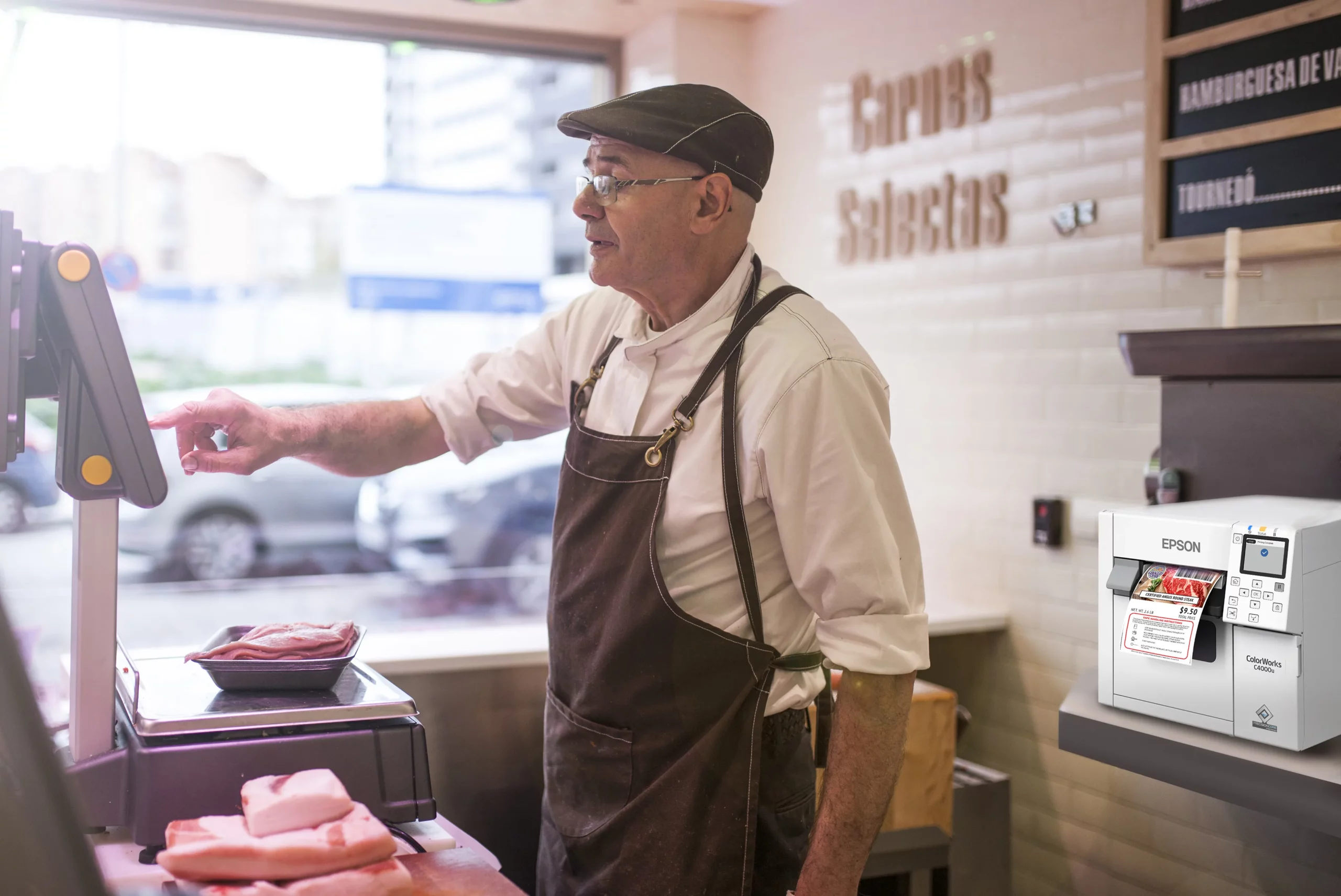
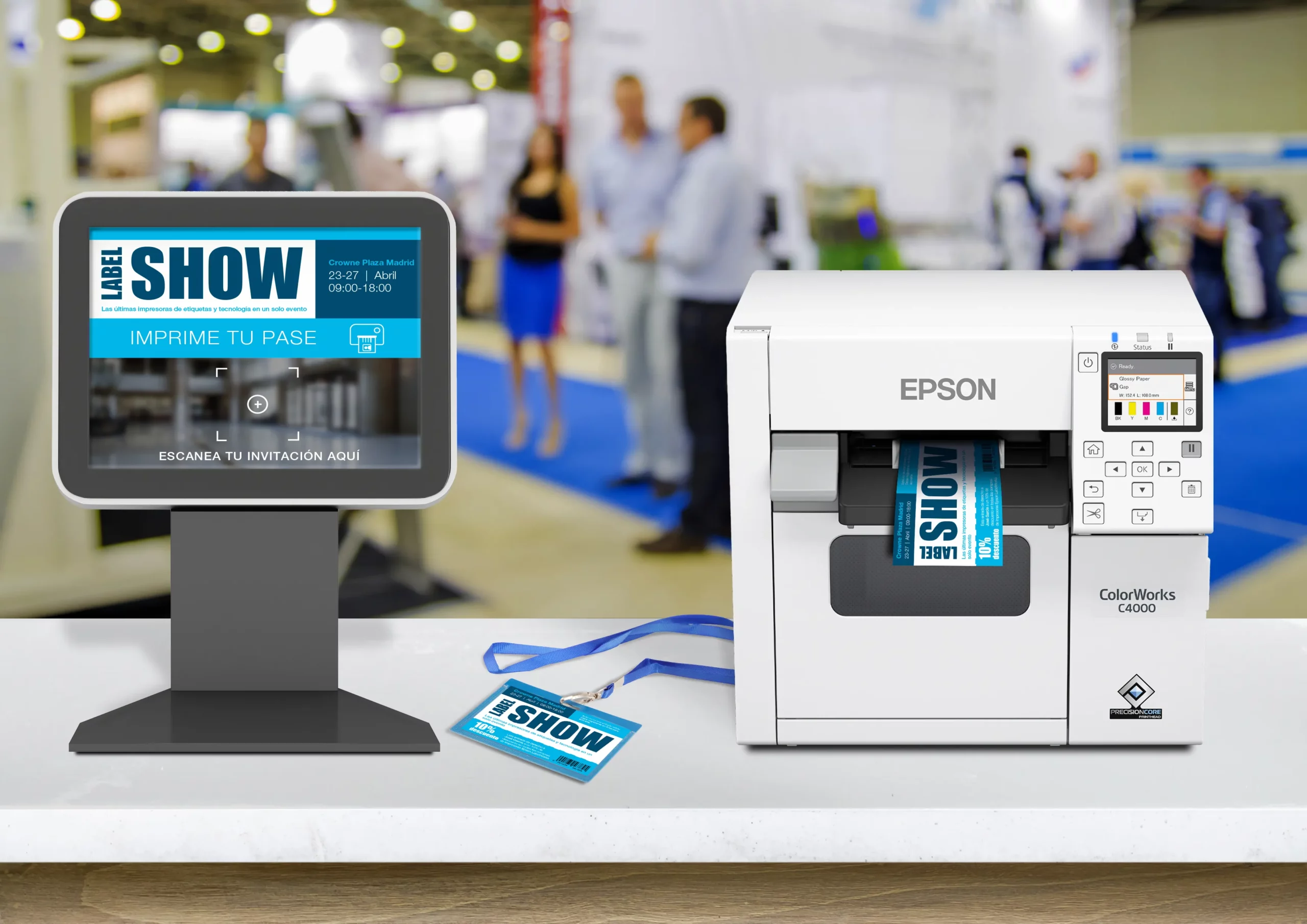
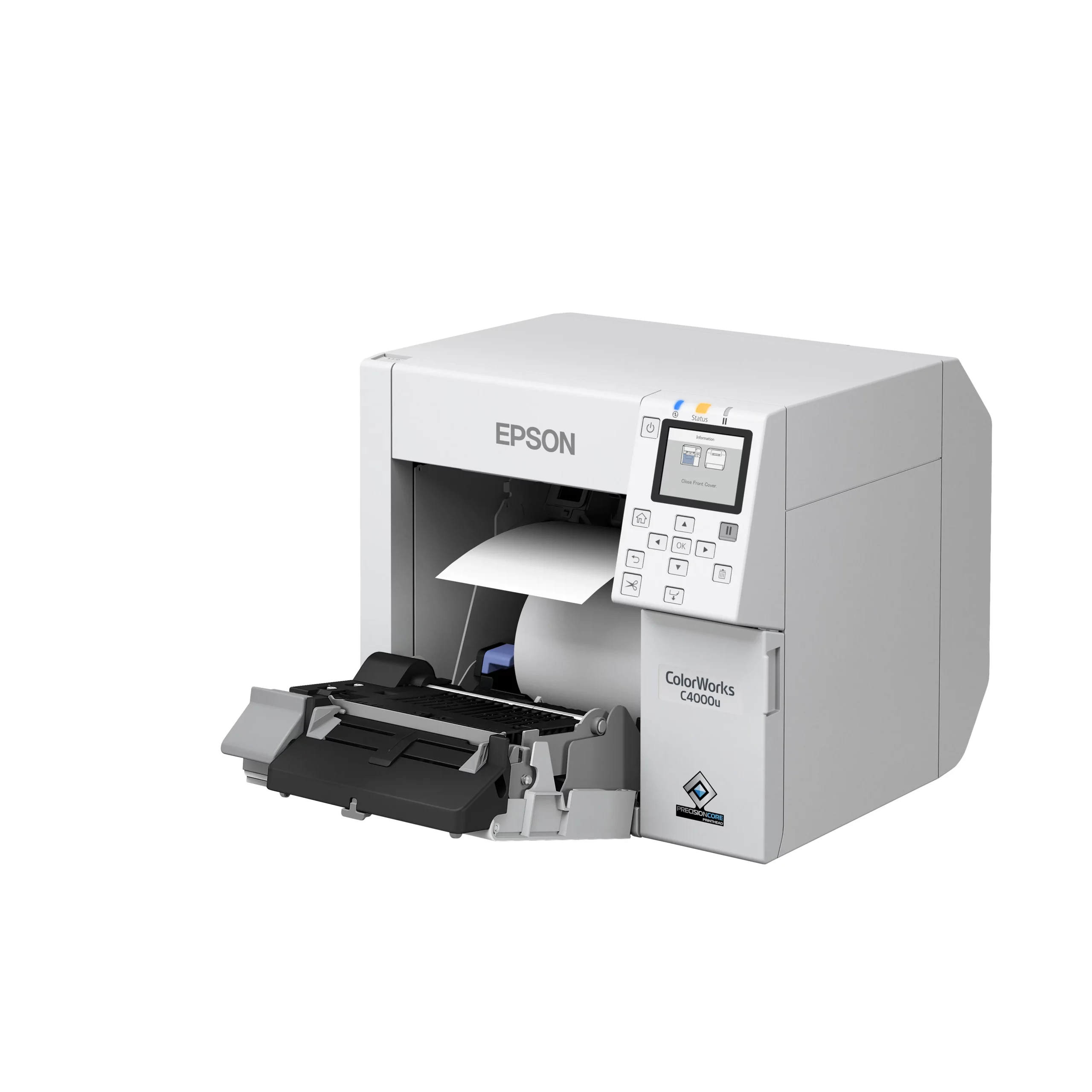
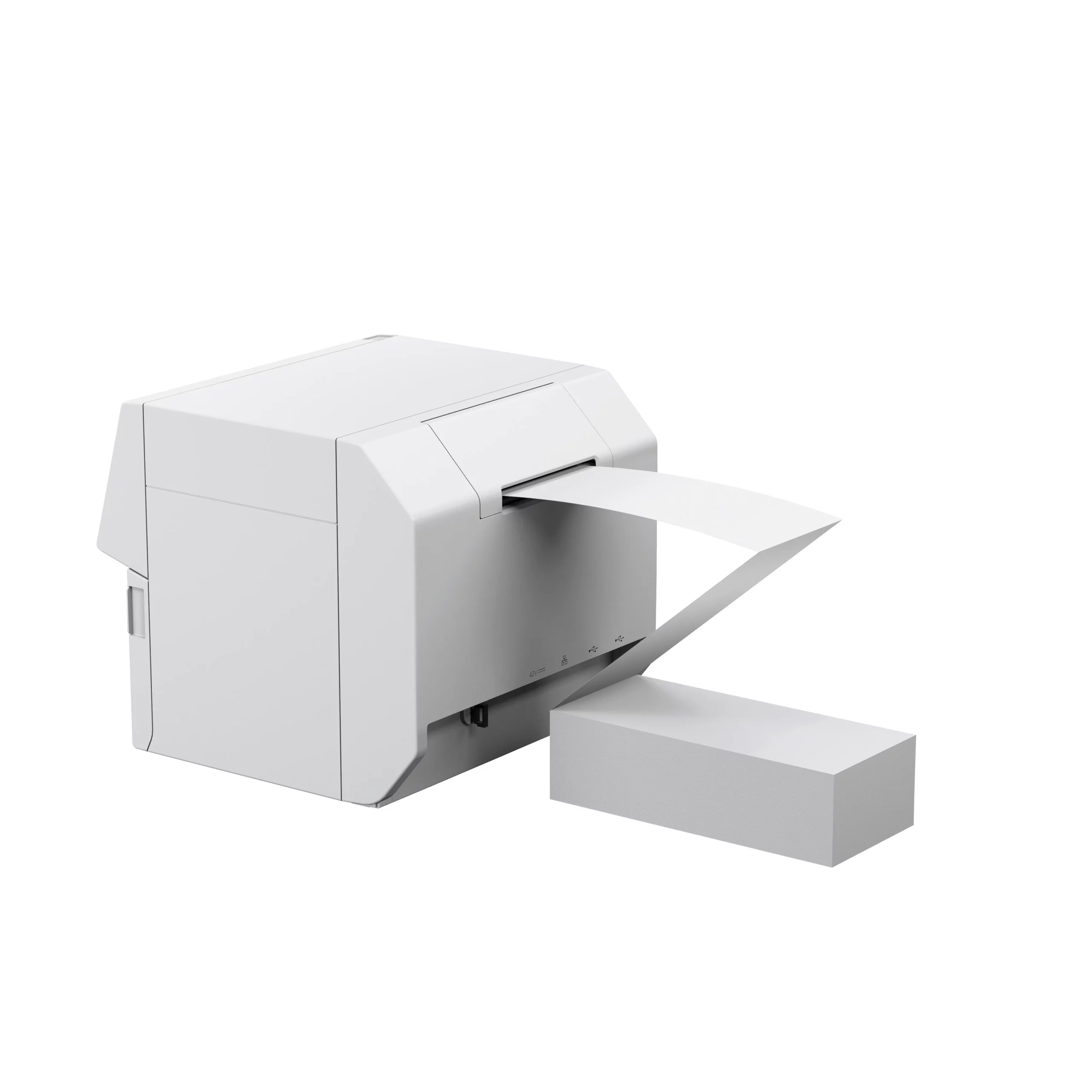
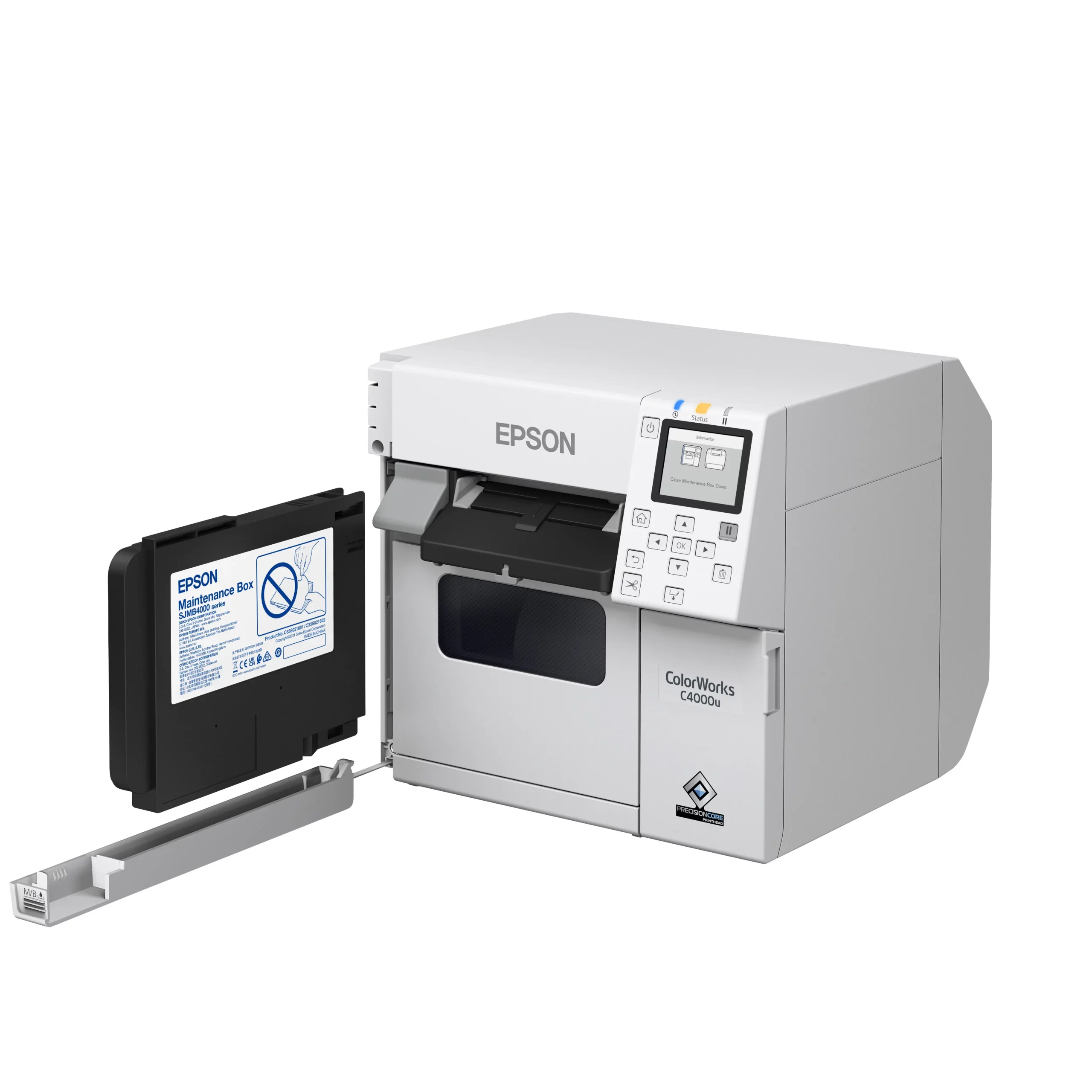
Epson C4000
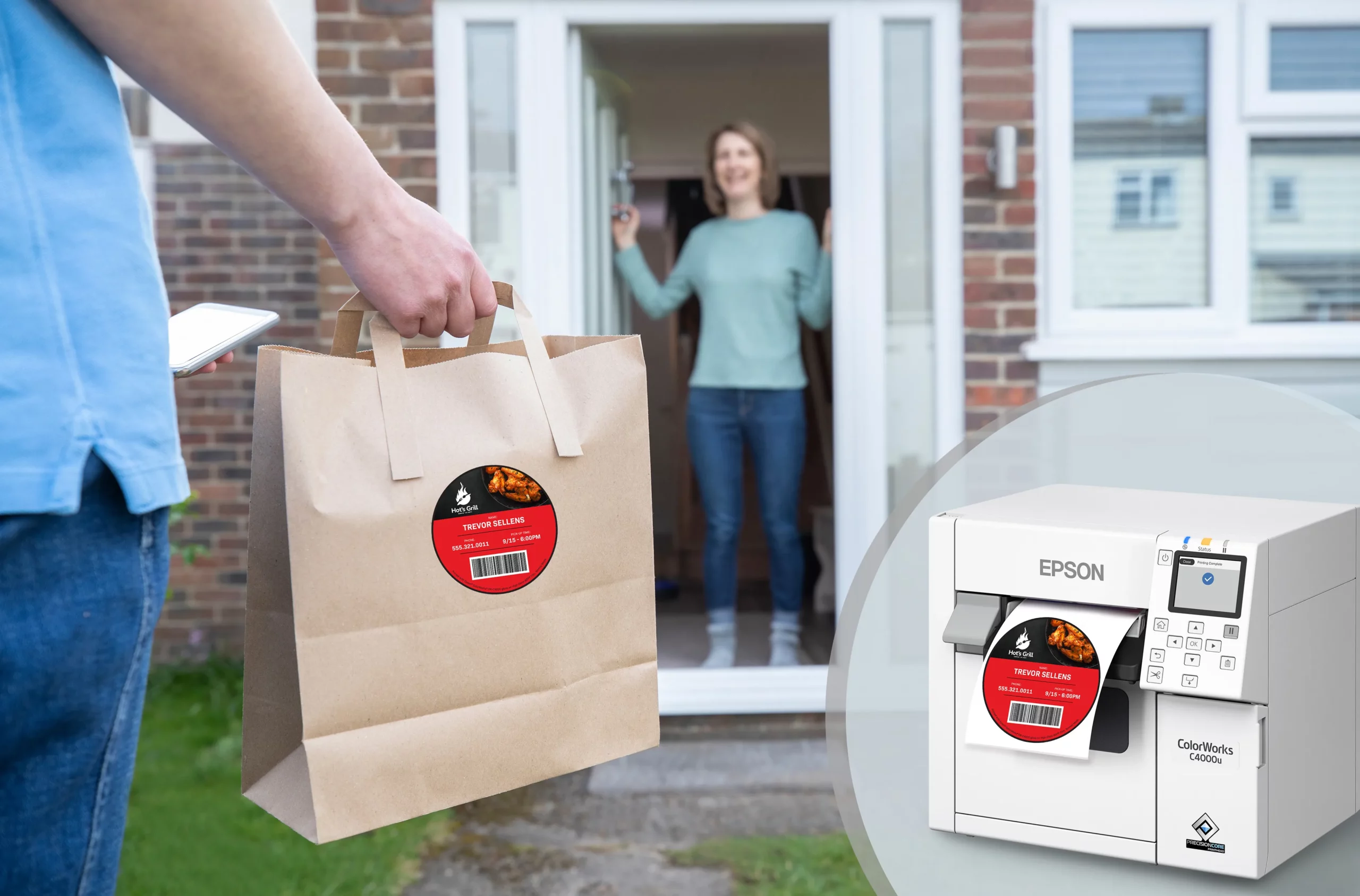
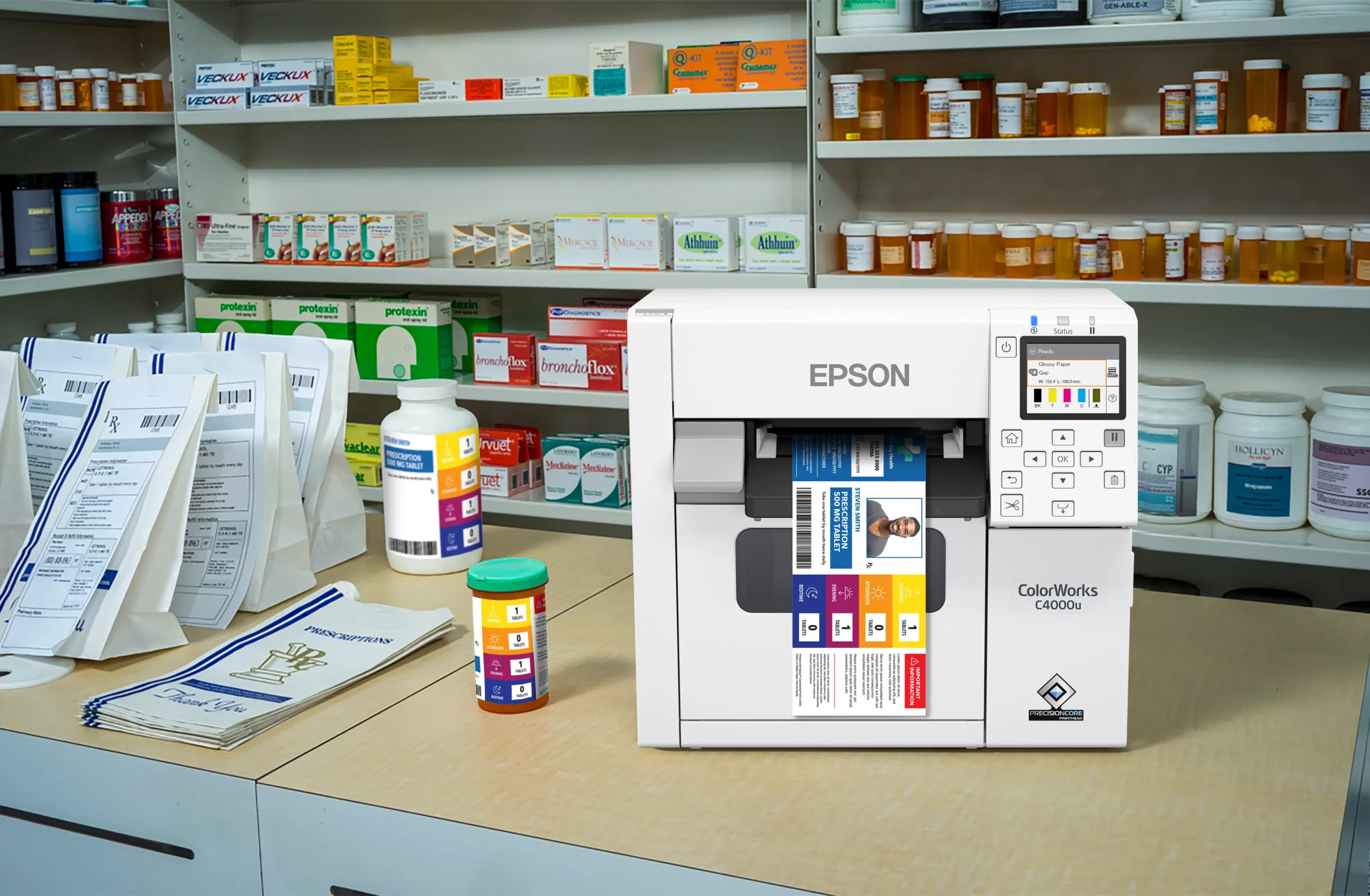
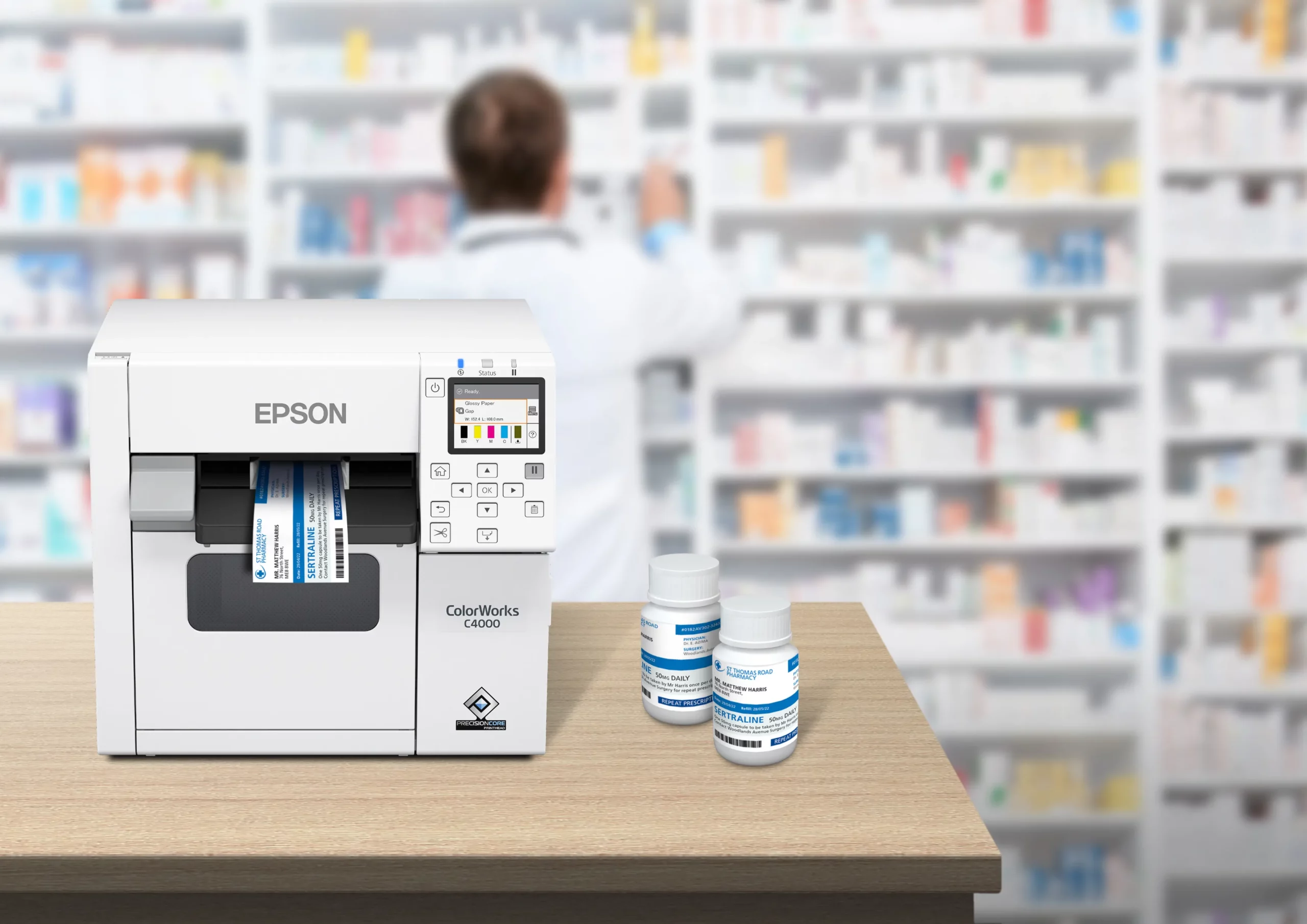
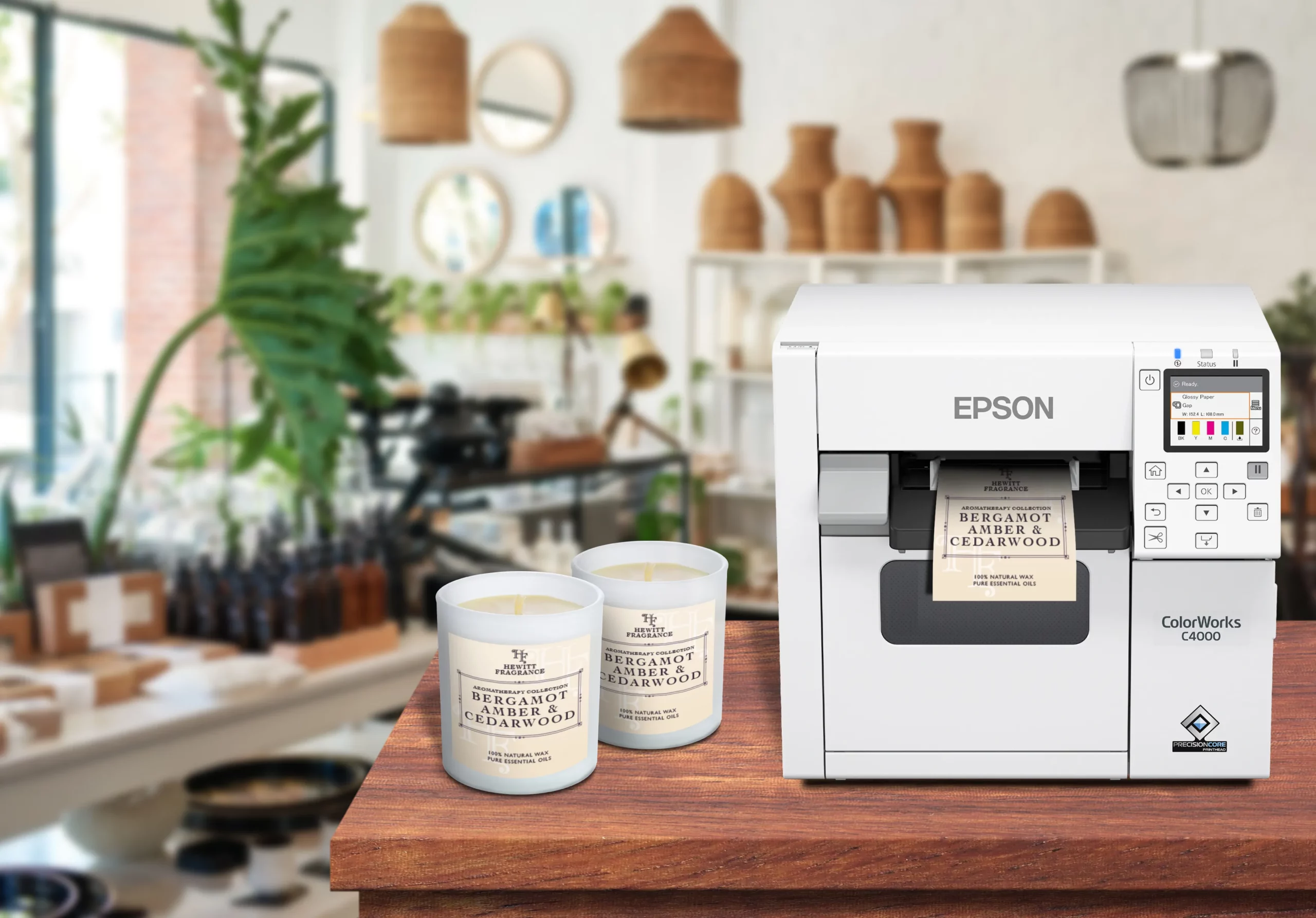
Epson C6000

Epson C6500
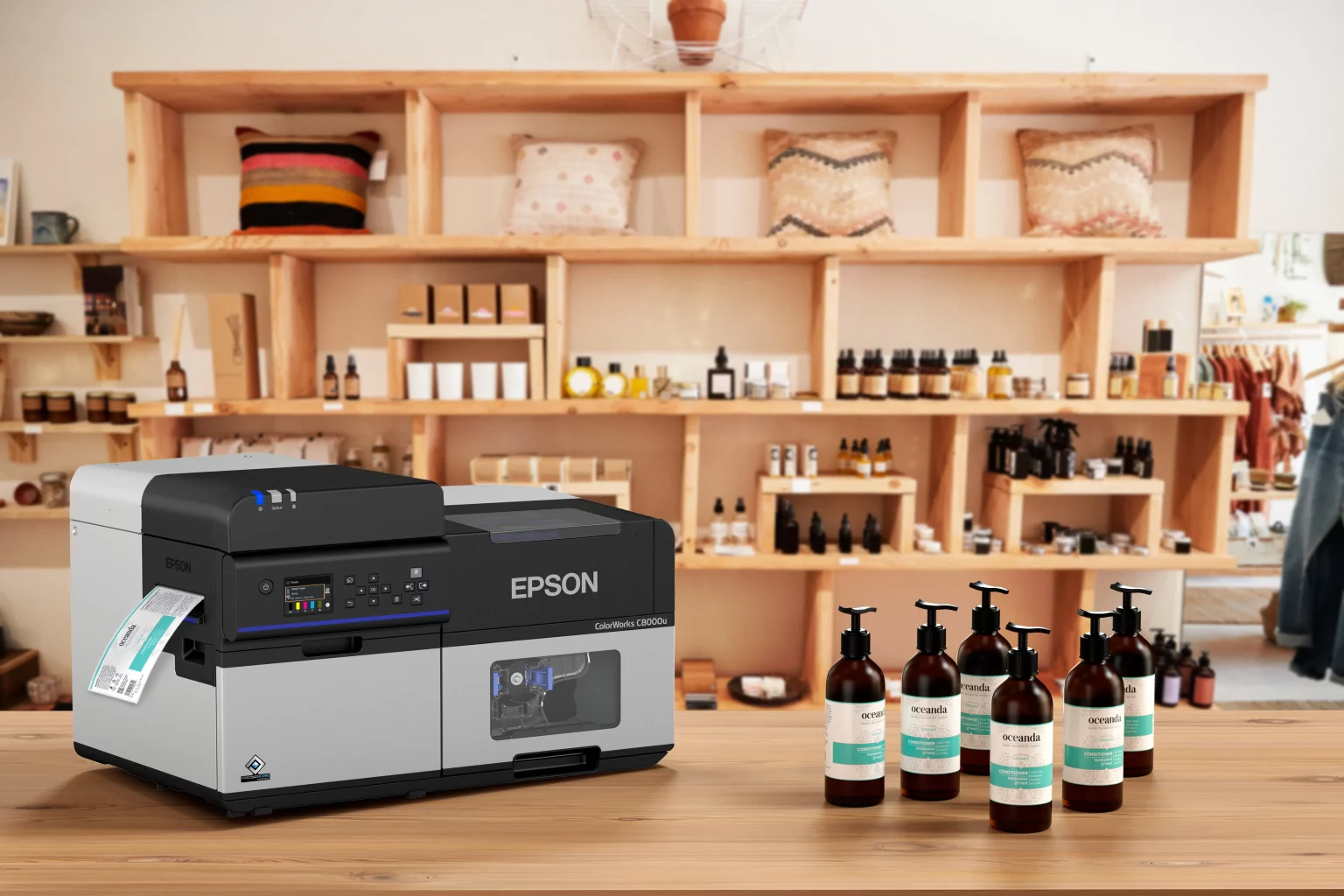
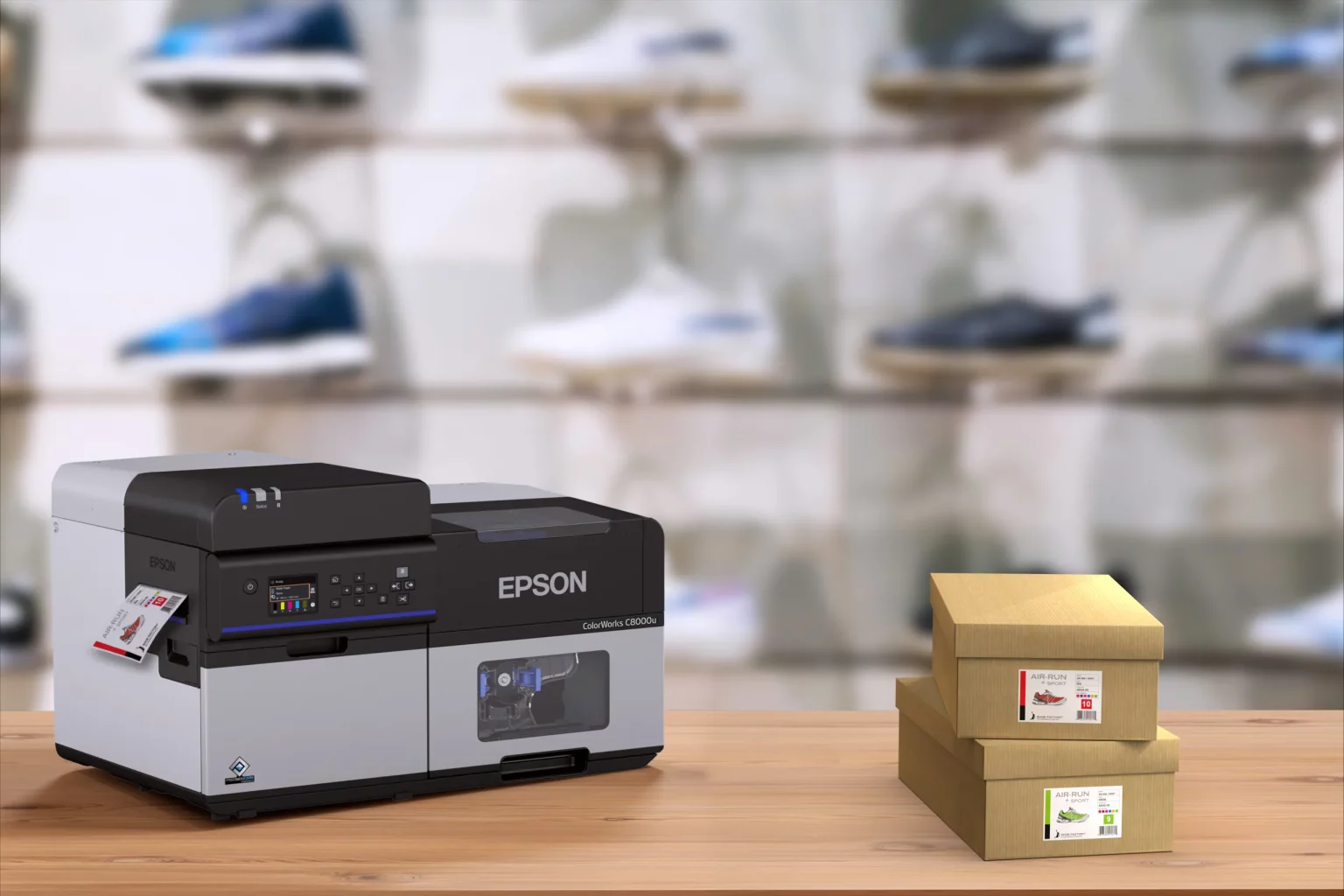
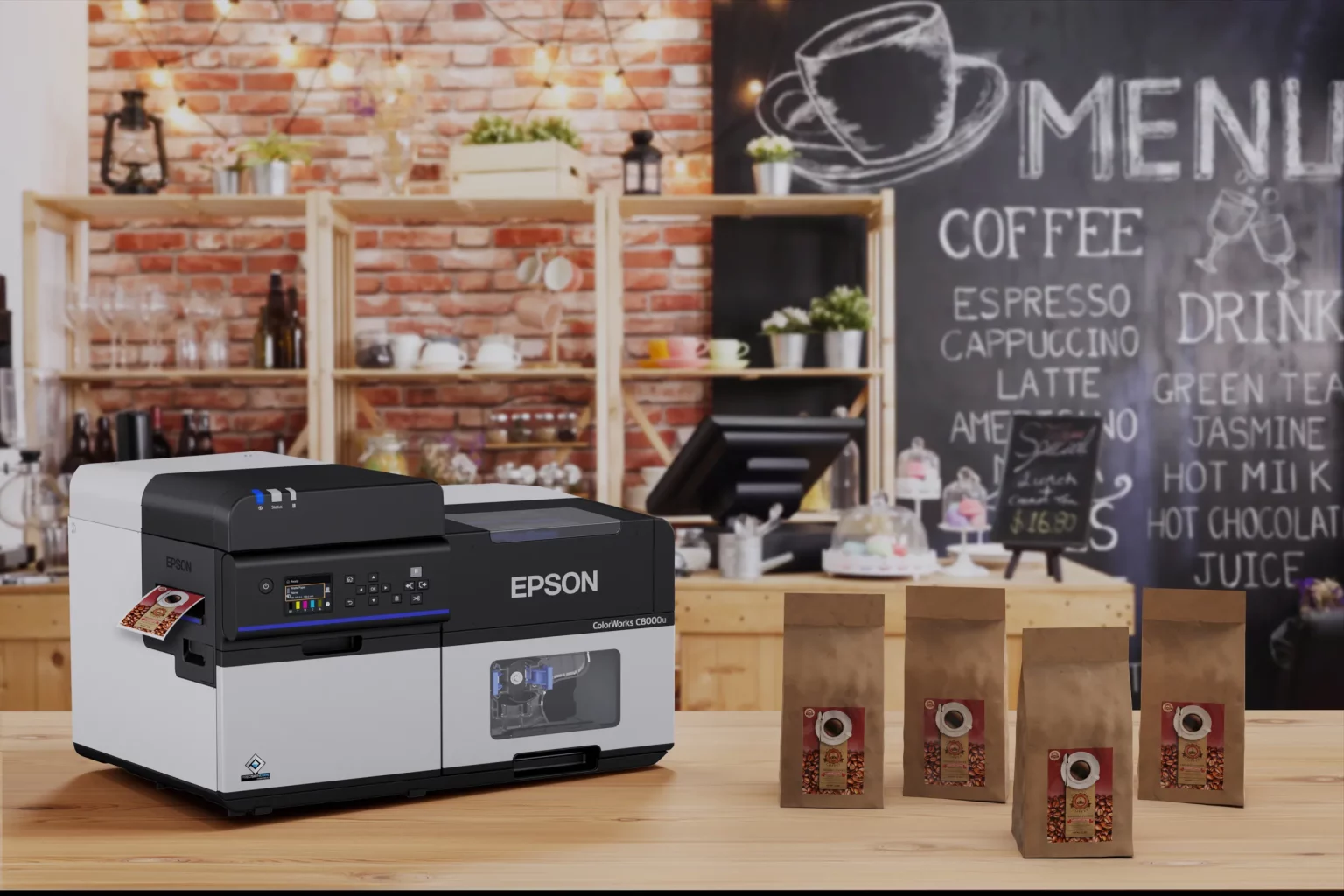
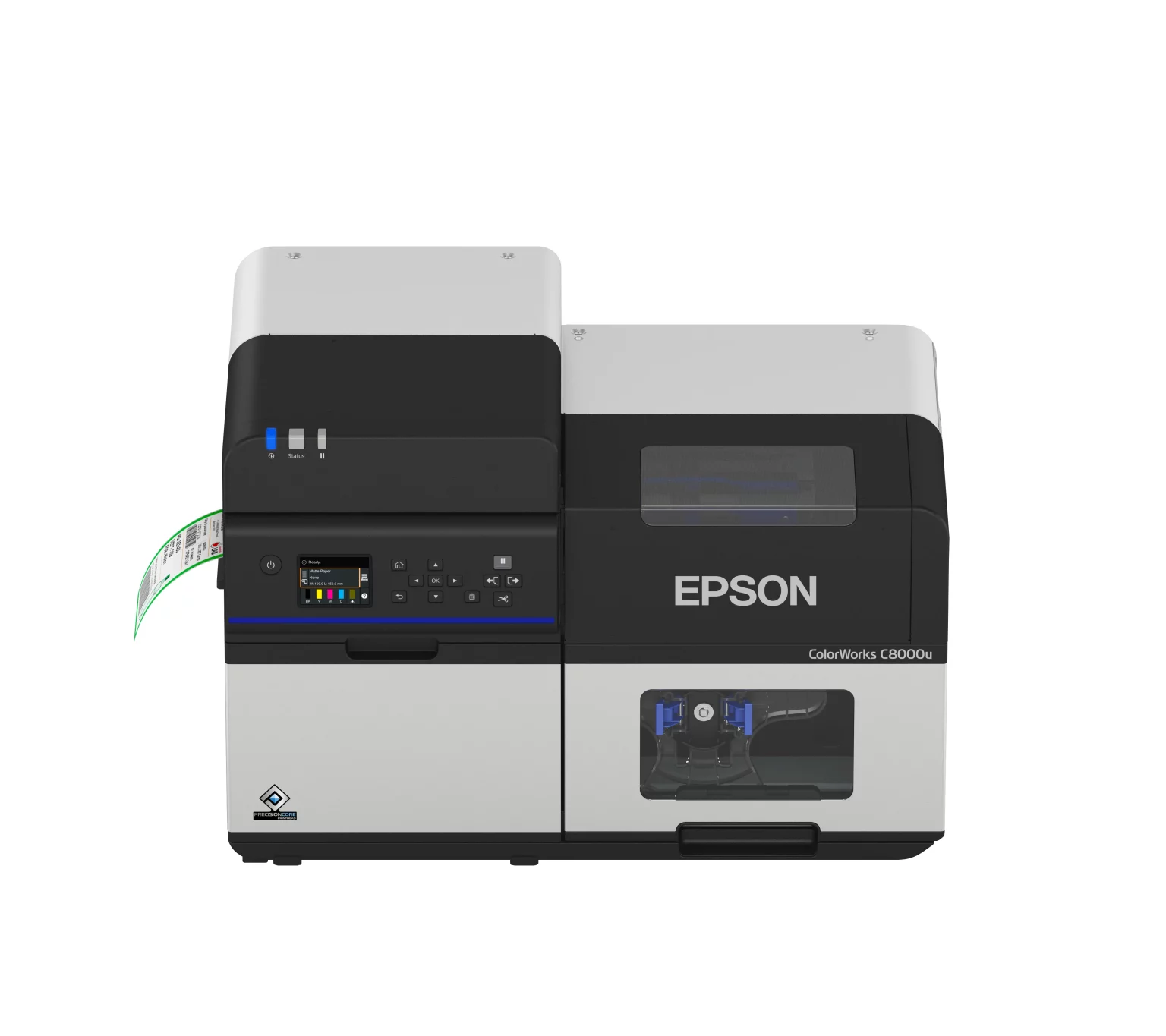
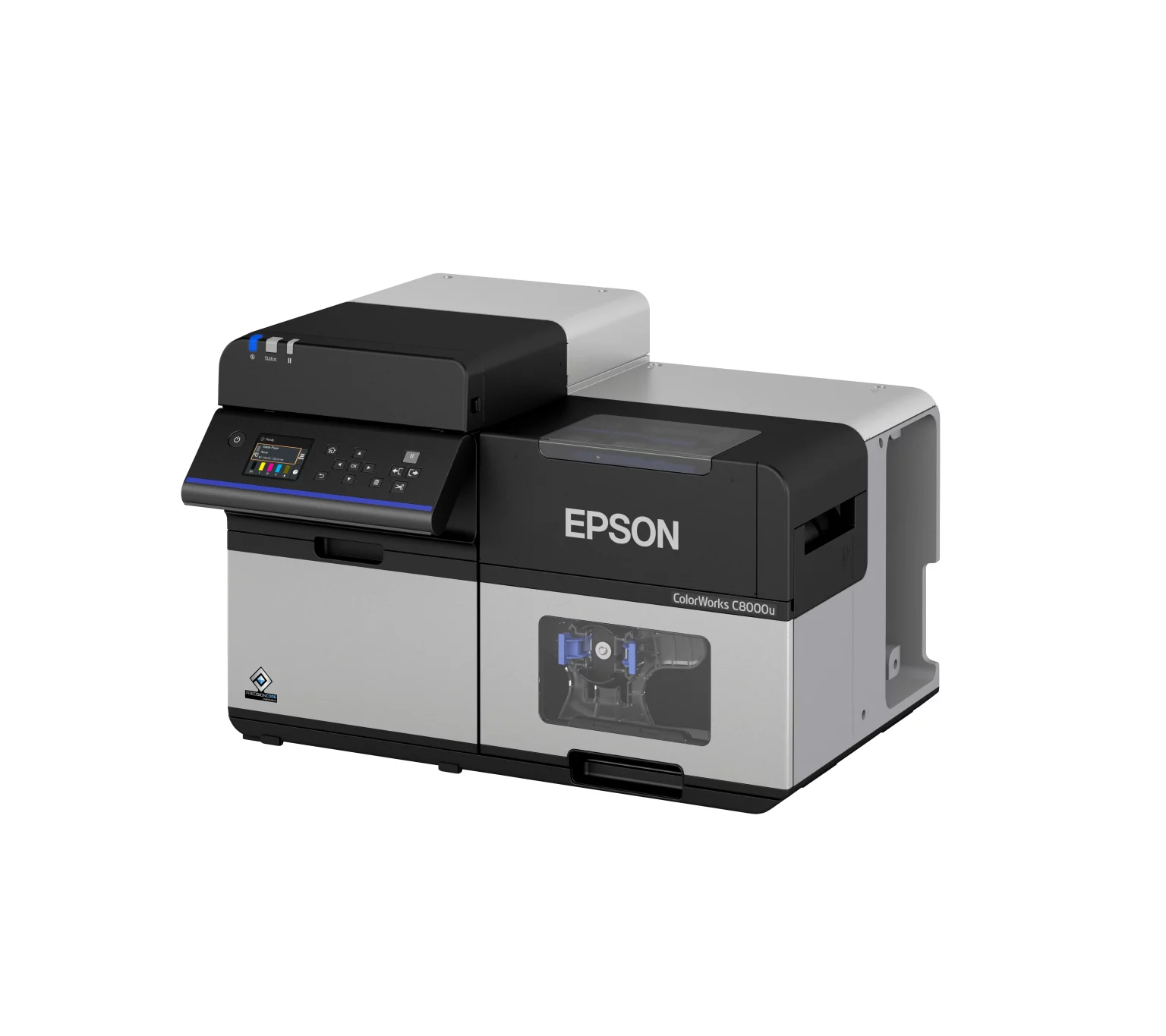
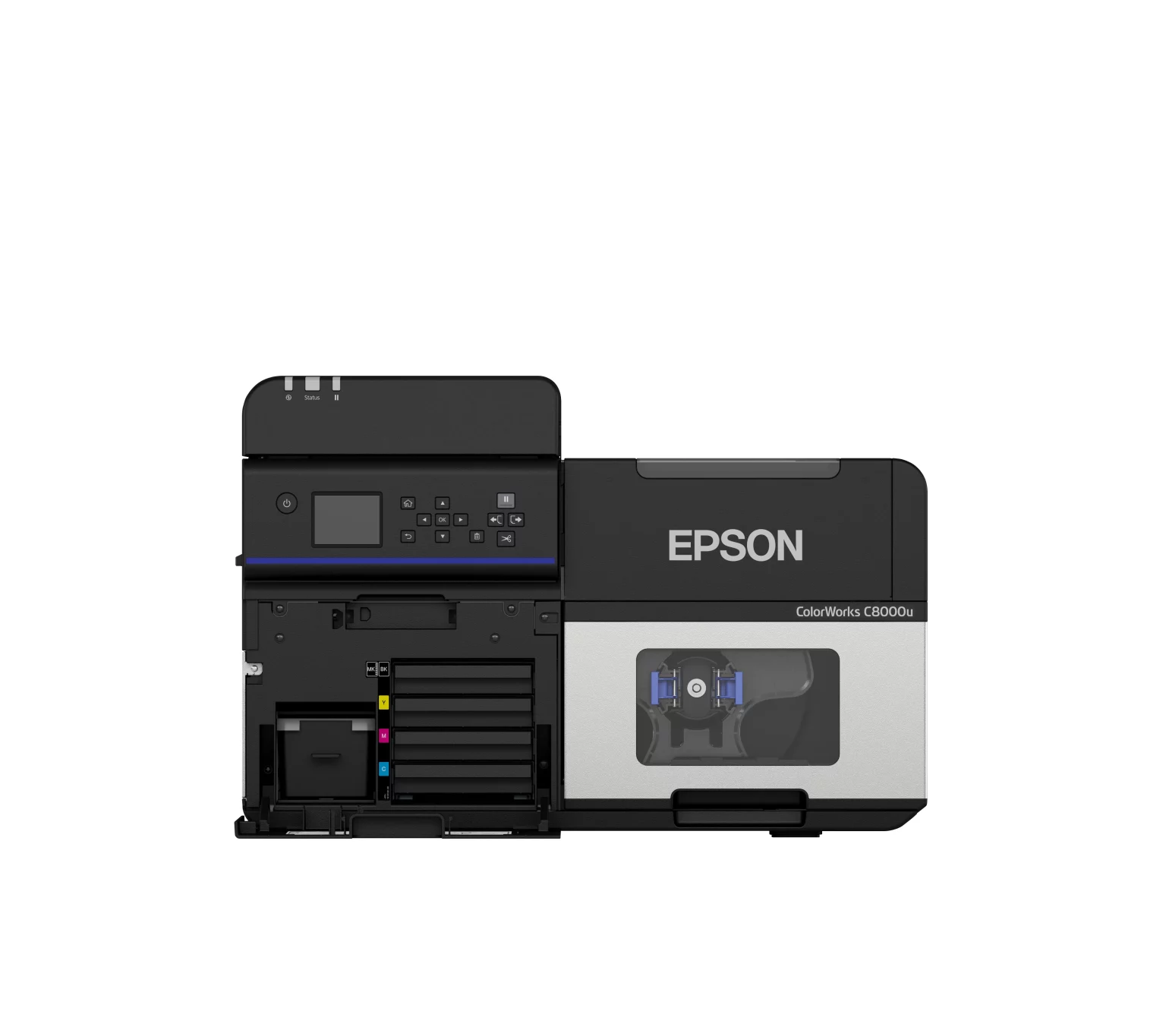
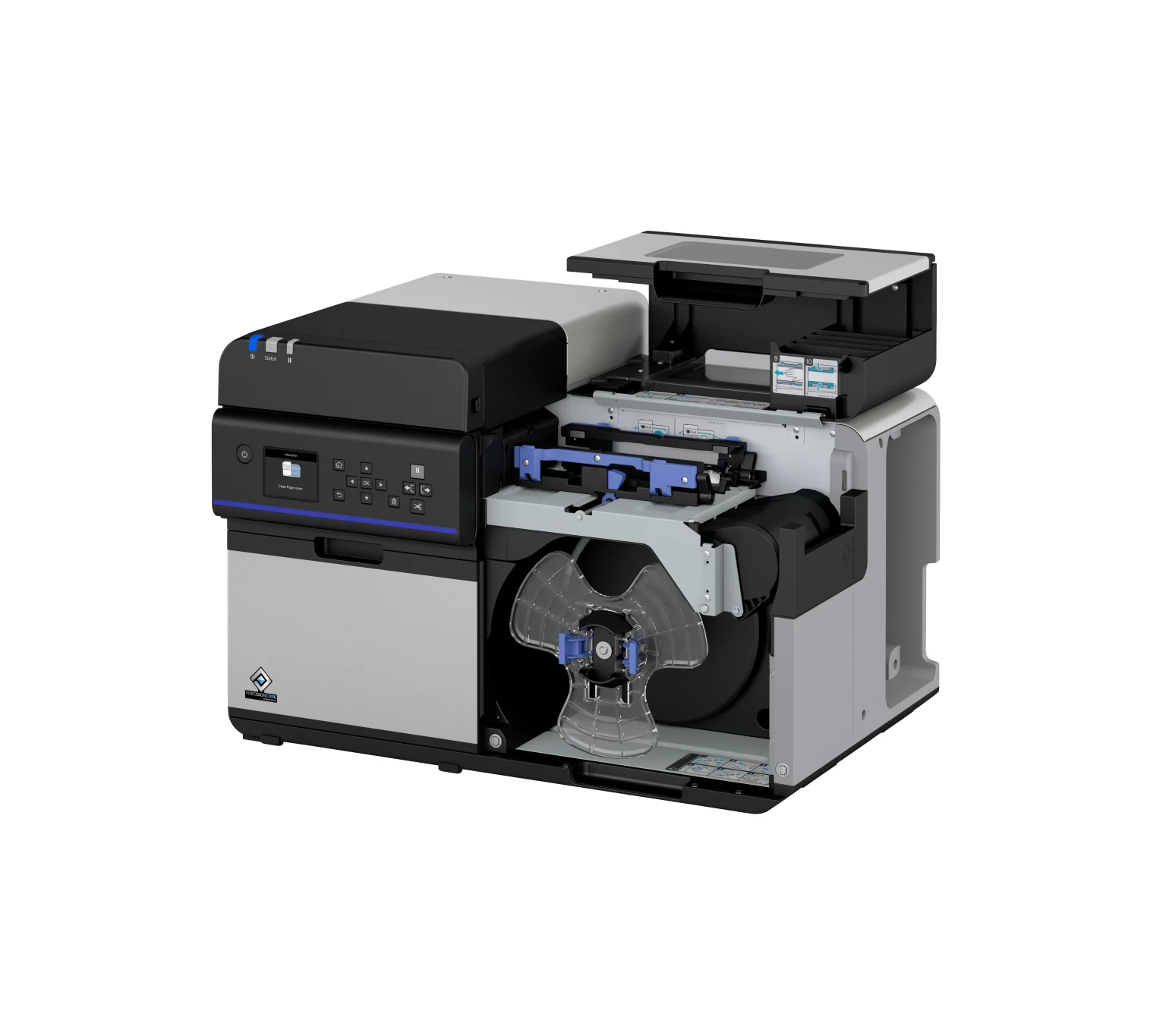
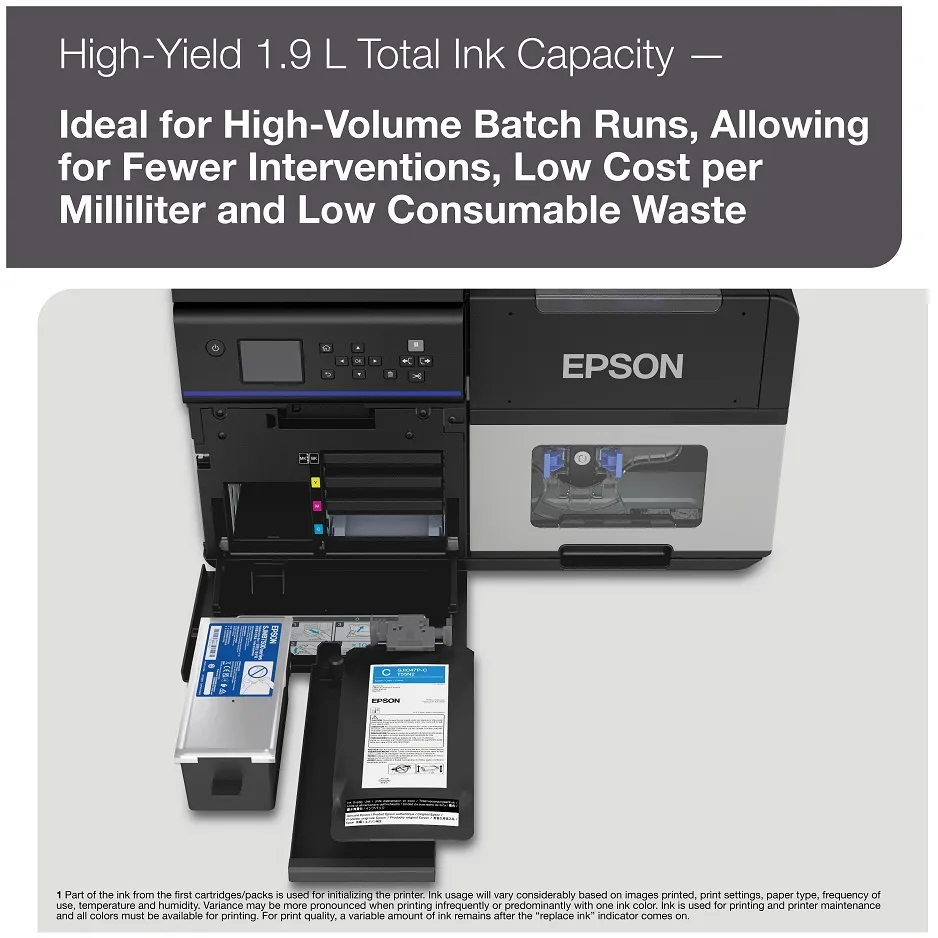
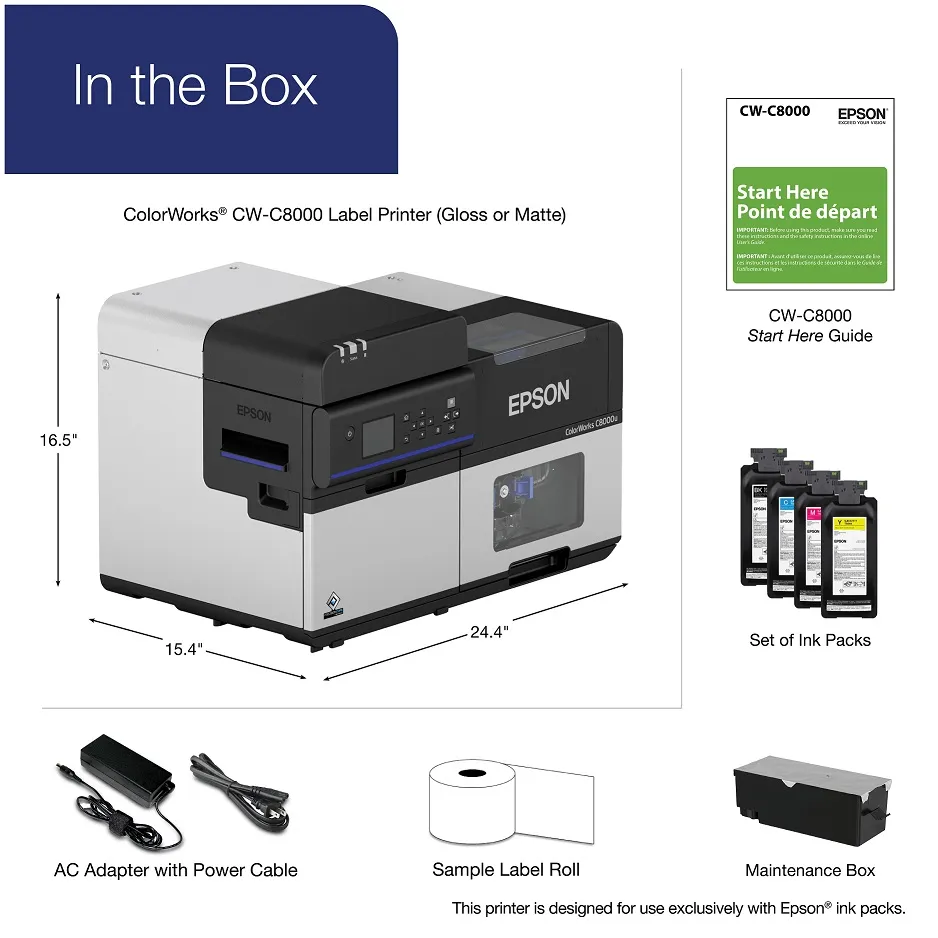
Epson C8000
Use Cases by Industry
Our dedicated labeling experts can work with you to help you find the perfect Epson printer.
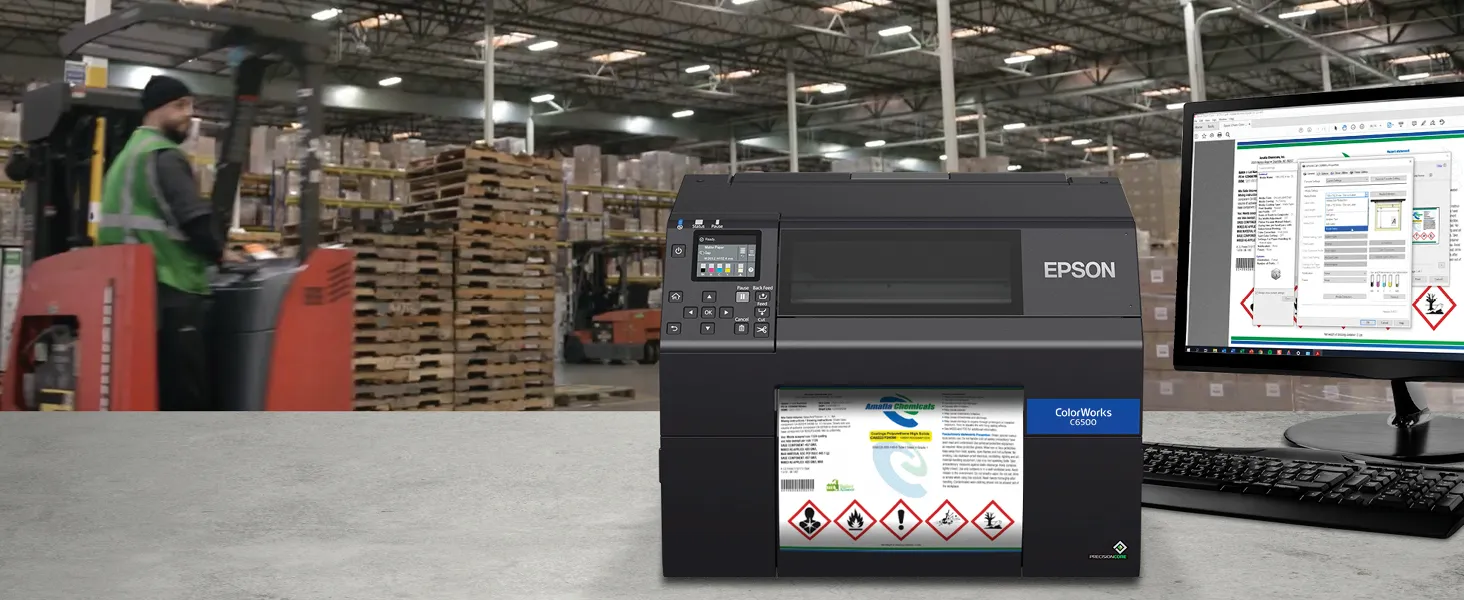
Manufacturing & Industrial
- Labels: GHS chemical, safety, work-in-process, asset IDs.
- Why Epson: Pigment inks and BS5609-capable workflows for durability, crisp barcodes at 1200 dpi.
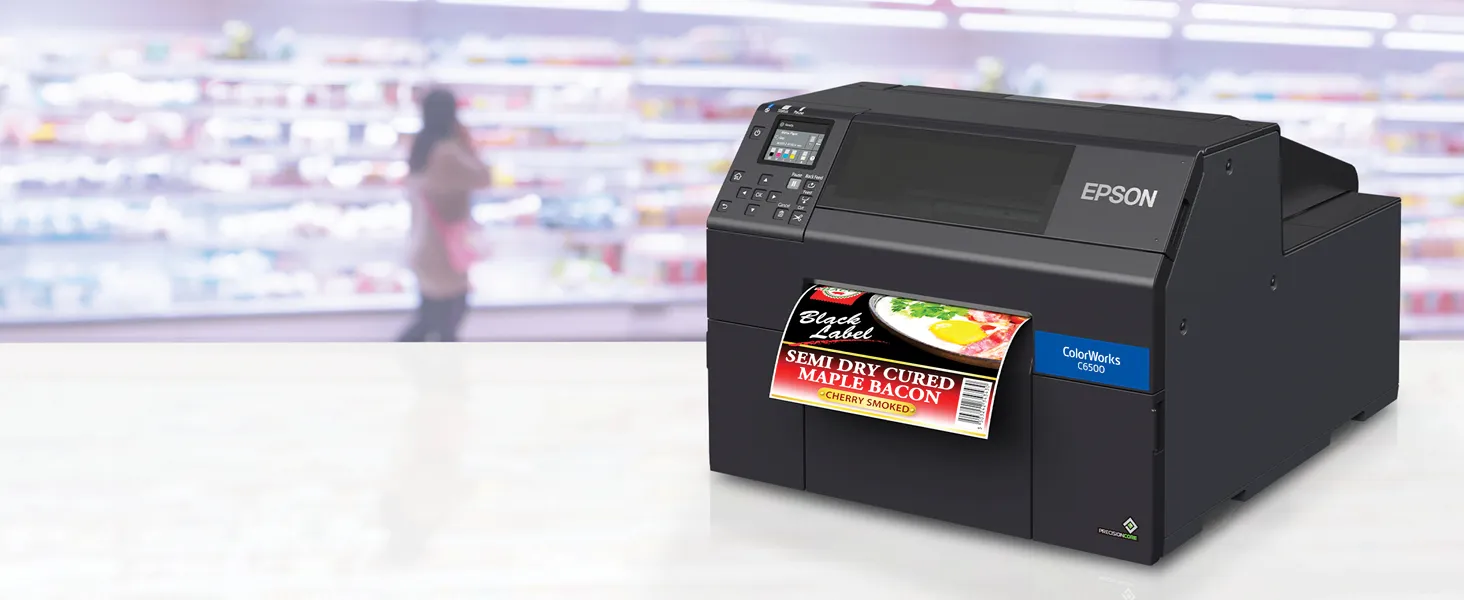
Food & Beverage
- Labels: Nutrition, ingredients, flavor SKUs, date/lot, seasonal promo.
- Why Epson: On-demand color reduces preprint waste, fast changeovers, moisture-resistant synthetics.
Healthcare, Lab & Pharma
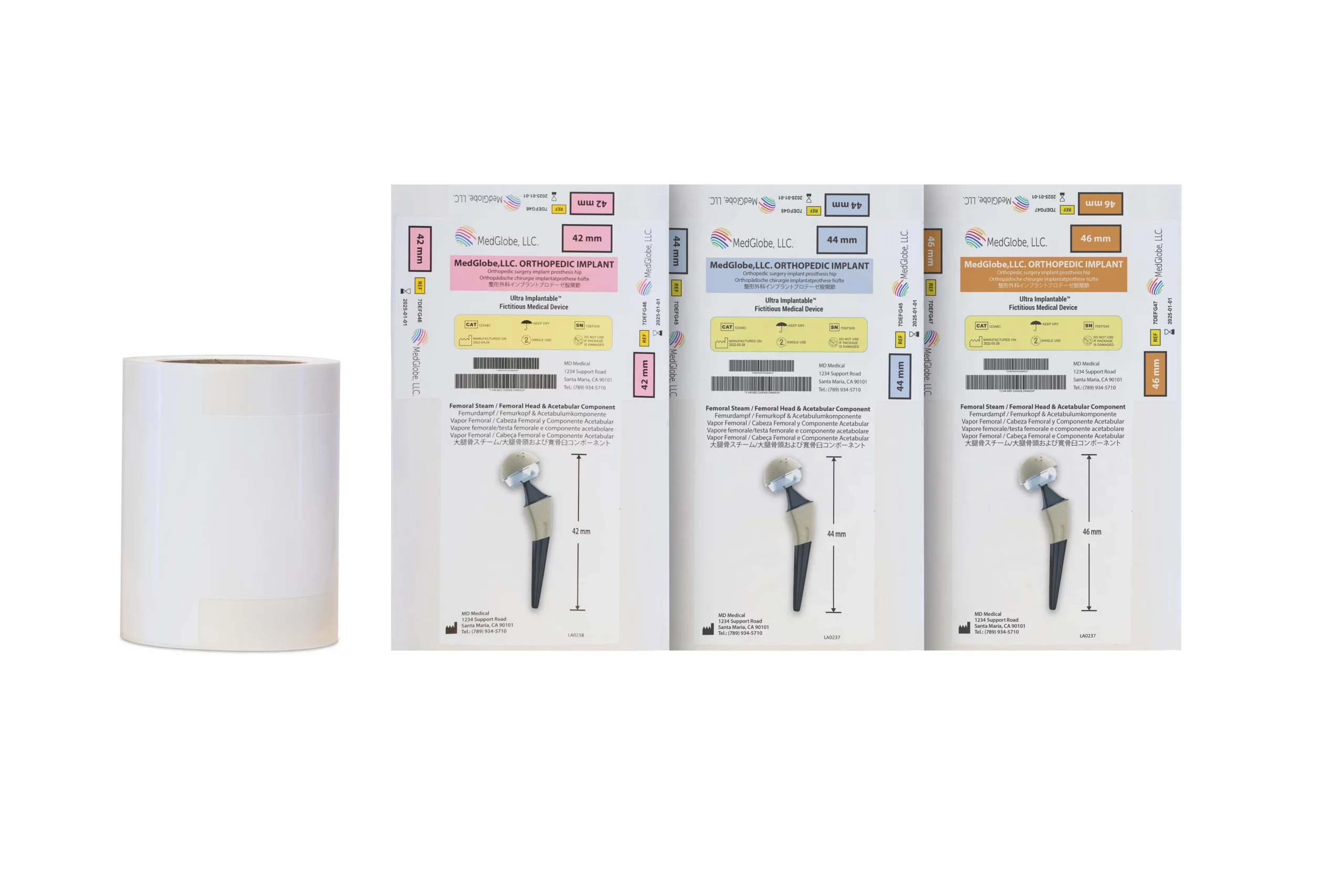
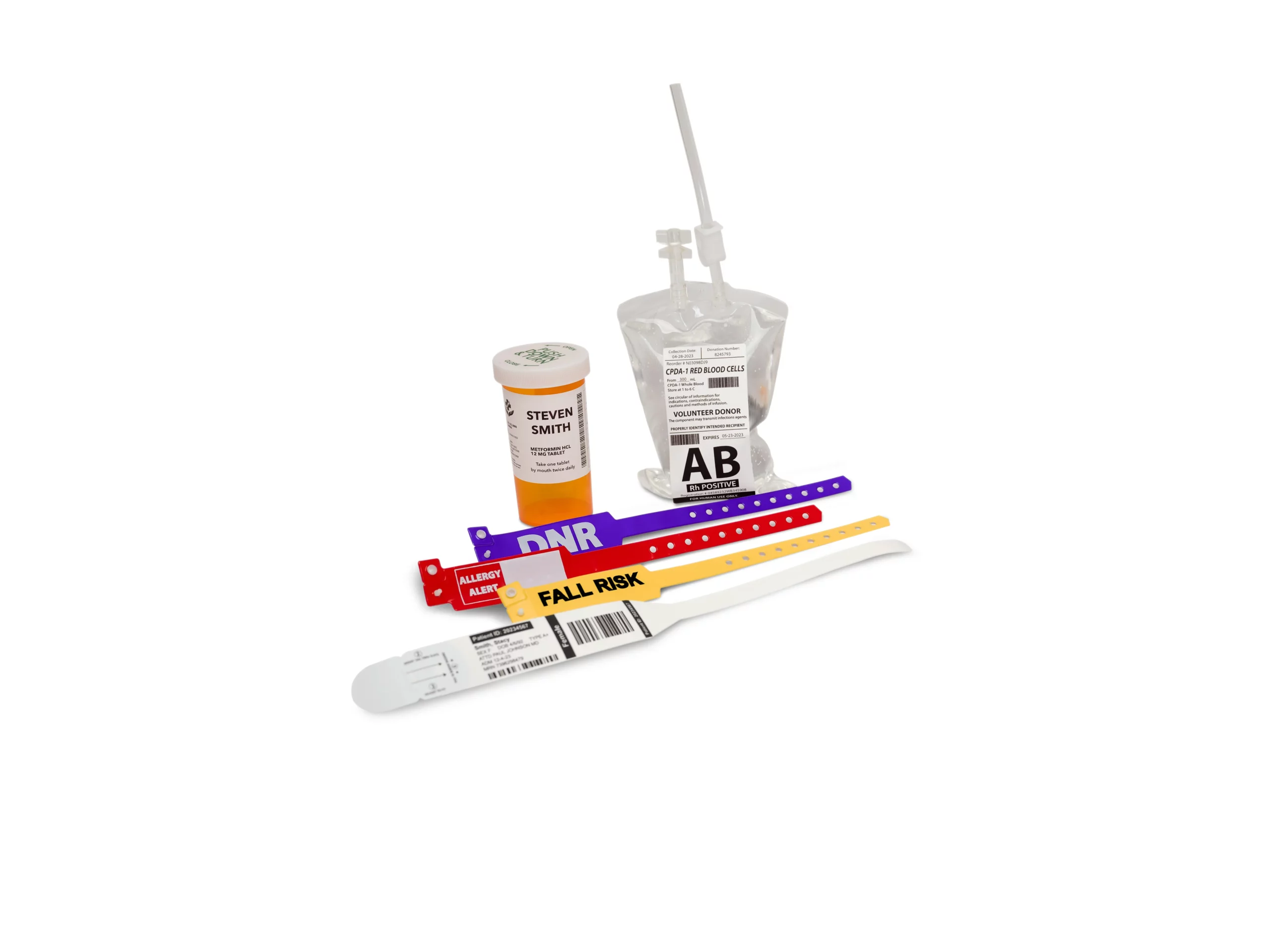
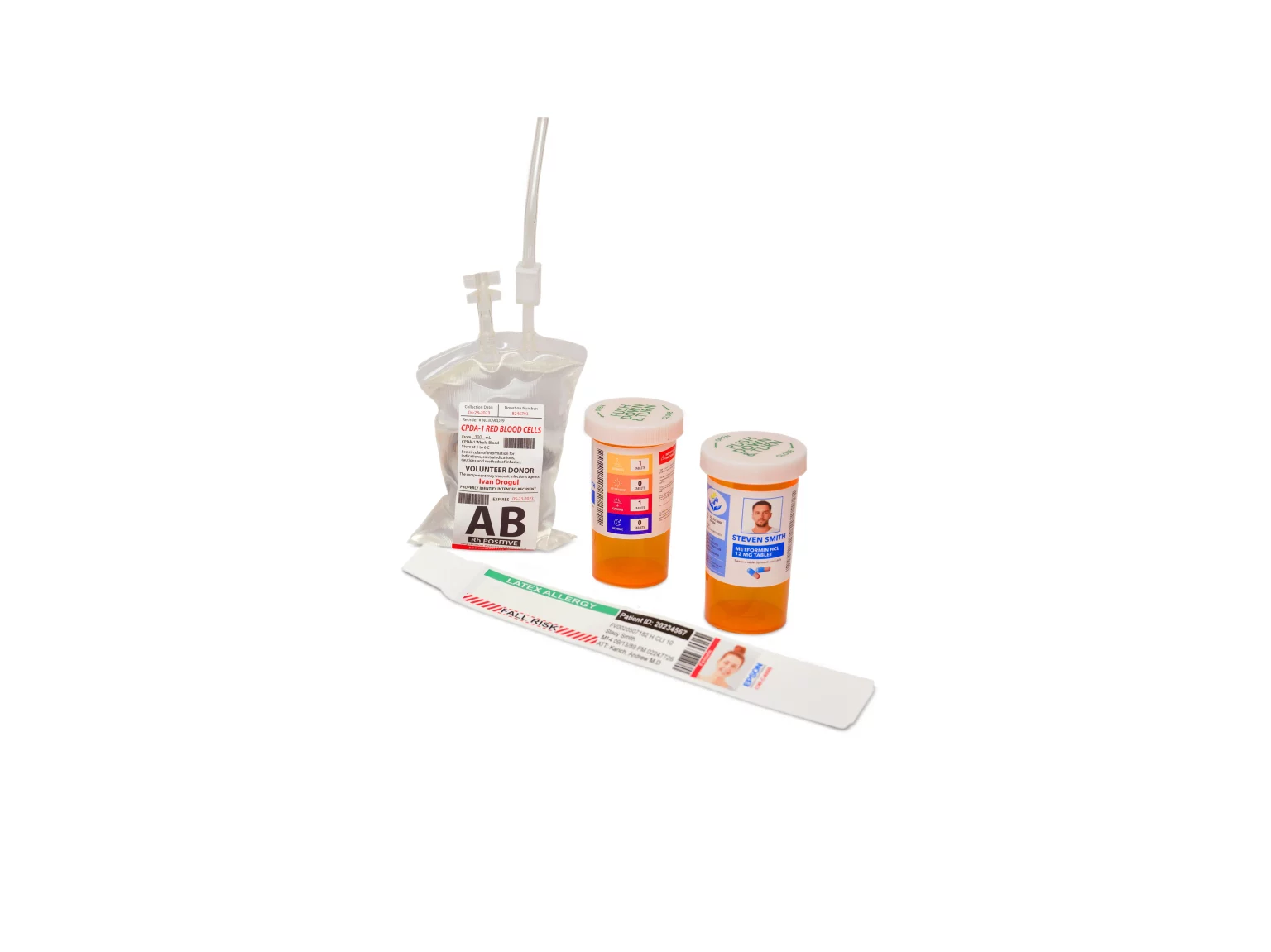
- Labels: Specimen, pharmacy, unit dose, wristbands, device IFU.
- Why Epson: High-contrast micro-barcodes, color coding for error reduction, resistant pigment options.
Warehouse & Logistics
- Labels: Inventory, LPNs, tote/carton, cross-dock, color-cued rack/bin.
- Why Epson: Color improves pick accuracy, WMS-friendly formats, peel-and-present and auto-cutter options.
Cold Chain & Frozen Goods
- Labels: Cold-storage inventory, seafood/meat SKUs, temp-sensitive labels.
- Why Epson: Pigment prints on cold-tack synthetics, legible barcodes in condensation and low temps.
Cannabis & Nutraceuticals
- Labels: Strain/SKU, COA data, batch/lot, warning icons.
- Why Epson: Variable data + color icons, on-demand compliance updates, tamper-evident media options.
reviews
What our clients say
Don’t just take our word for it. Hear what our customers have to say!
“Professional labels, on demand. Simple to run, reliable day to day, and backed by responsive support—our Epson ColorWorks delivers.”
Sean Dick
“With on-demand color, our brand partners get custom labels as fast as we roast—speed, consistency, and a cleaner workflow.”
Bryan Rauch

Printers
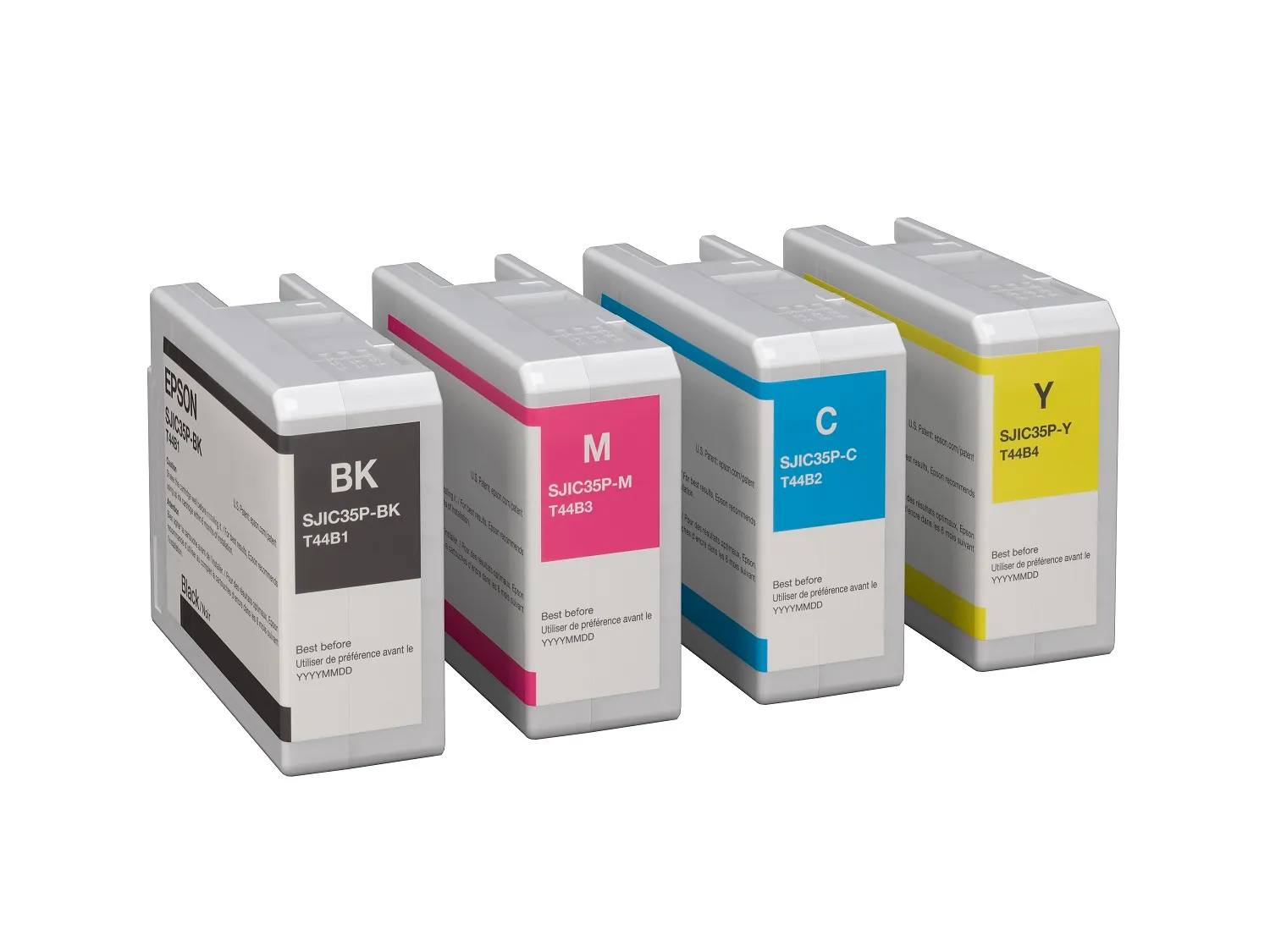
We stock the full Epson ColorWorks lineup, from compact to high-volume models. Compare every model to find the best fit for your labels and volume.

Inks
We stock inks for every Epson ColorWorks model. Join our Subscribe & Save program to cut costs on repeat orders, and get free shipping on all continental U.S. orders over $250.

Accessories
From rewinders to full roll-to-roll systems, we carry accessories that boost throughput and streamline workflows—plus optional Wi-Fi dongles for easy connectivity.

Warranty
All Epson ColorWorks printers include a 1-year standard warranty. We also offer extended coverage to protect your investment throughout the life of your printer.
Frequently Asked Questions
How do Epson ColorWorks printers help reduce labeling costs?
-
Print only what you need: Eliminate preprinted roll waste and obsolescence.
-
Faster changeovers: Update SKUs, languages, or promos in minutes—less downtime, fewer reprints.
-
Consolidate SKUs: One blank stock, many versions in color.
-
Fewer errors: Color cues and crisp barcodes reduce mis-picks and returns.
-
Lower interventions: Permanent printheads on all models cut maintenance time.
Which is the best Epson ColorWorks printer for my needs?
The best Epson ColorWorks printer for you comes down to matching width, volume, durability, and workflow:
-
C4000: Compact 4″ labels, departmental use, premium print at small/medium volume.
-
C6000A / C6000P: 4″ width; A = auto cutter, P = peel-and-present for applicators.
-
C6500A / C6500P: Up to ~8″ wide labels; branding and larger formats.
-
C8000G: Mid-to-high volume runs, faster throughput, lower interventions.
Tell us your label size, media, and volume—we’ll recommend the exact model and setup.
What types of labels can Epson ColorWorks printers produce?
-
Product & branding: Full-color retail, cosmetics, food & beverage.
-
Logistics & inventory: LPN, carton/tote, bin/rack, compliance IDs.
-
Industrial/GHS: With suitable pigment inks and BS5609-capable media.
-
Healthcare & lab: Low-glare, high-contrast barcodes and small text.
-
Promos & short runs: Seasonal, private label, samples—same-day changes.
Can I use third-party labels with my Epson printer?
Yes, use inkjet-qualified materials matched to gloss or matte ink sets for best results. We recommend Pacific Barcode Premium Inkjet Labels, available in papers and synthetics (including BS5609-capable constructions) that deliver sharp color, fast dry times, and reliable scans. Cheaper, non-qualified media can smear, curl, or reduce barcode readability. Stick with proven stocks for consistent performance.
Do I need special software to design and print labels?
Not necessarily. You can print from standard Windows/Mac drivers, PDFs, or image files. For advanced workflows (variables, databases, barcodes, compliance templates), tools like BarTender or NiceLabel make design and integration easy. ColorWorks models also support ZPL II, SAP, and remote management, so they slot into existing systems without reinventing your process.
How do I compare Epson ColorWorks models to pick the right one?
Start with the comparison table above: match your label width (4″ vs 8.34″), your monthly volume, and whether you need auto-cutter or peel-and-present. From there, choose gloss or matte ink based on your media. Still unsure after comparing specs? Contact us and we’ll recommend the right model for your labels.
Still Deciding Which Epson Printer Is Right for You?
Talk to someone who sells and supports all five models. We’ll help you match the printer to your label material, volume, and budget, no pressure.
